Screen catalog
See real M&C ERP screens by business area. Select an image to enlarge it.
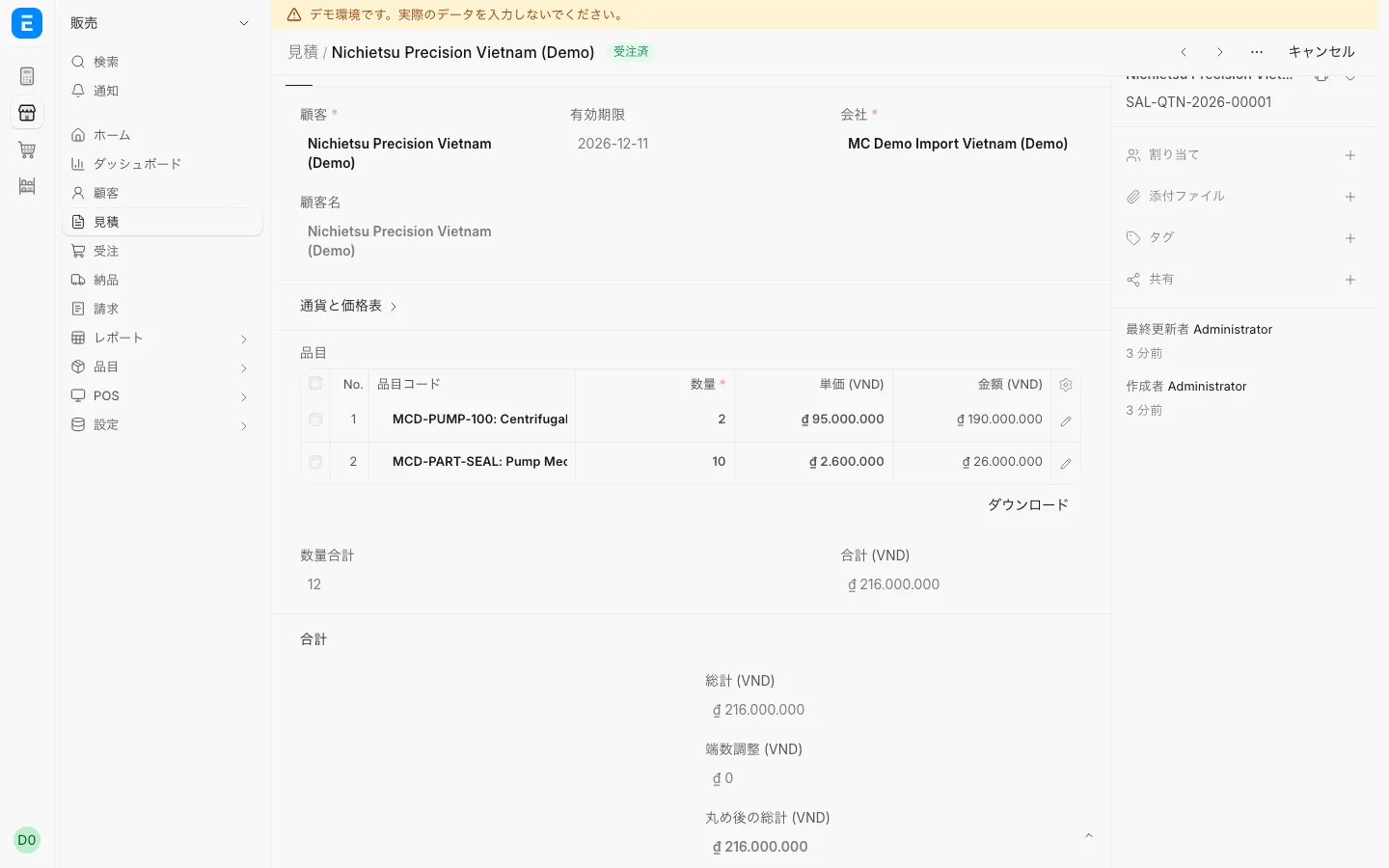
SalesQuotationEnter items, quantities and unit prices to create a quotation.
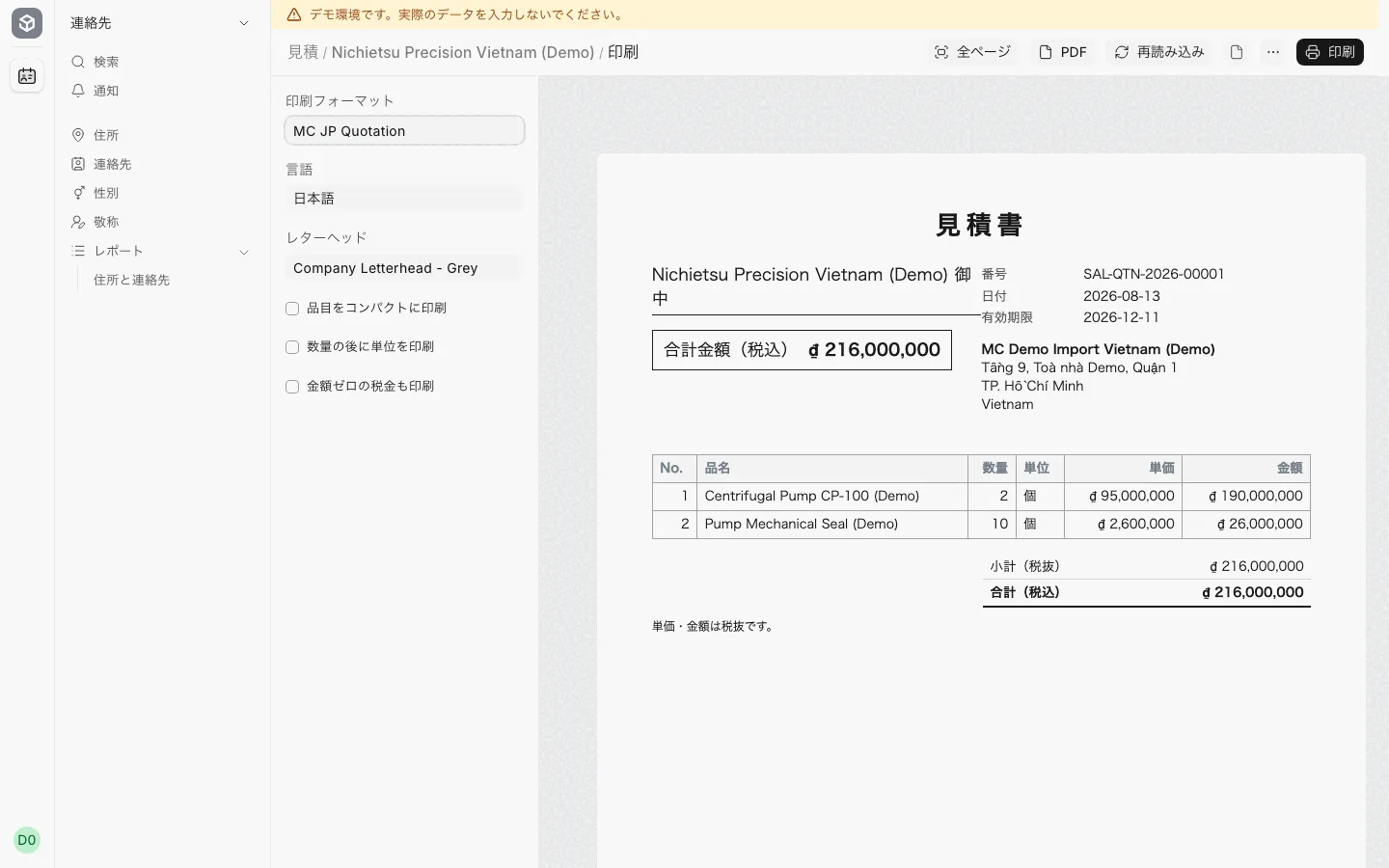
SalesPrinted quotation (見積書)Print an A4 見積書 with the "MC JP Quotation" print format.
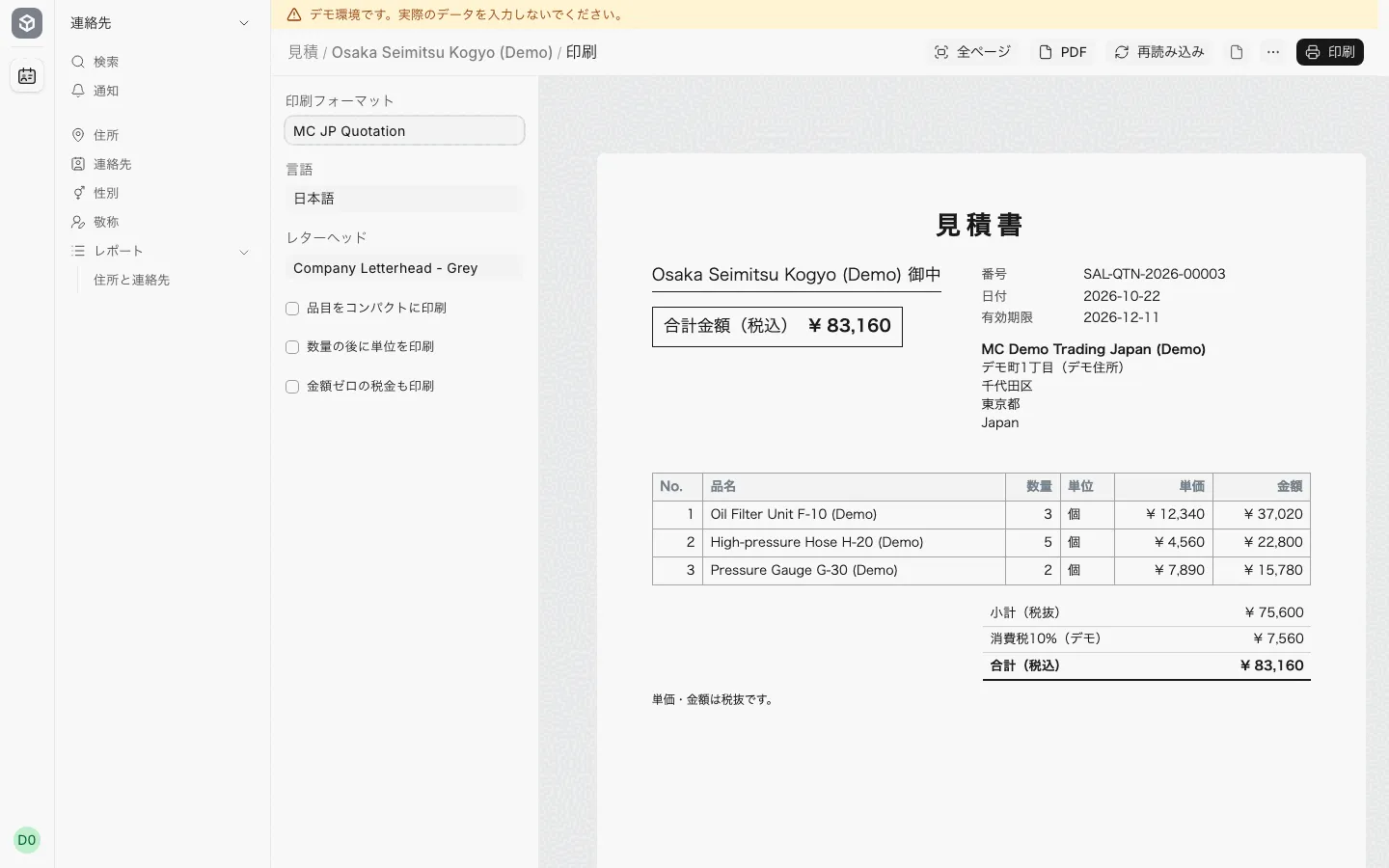
SalesYen quotation from the Japanese companyThe Japanese company prints a yen quotation for a Japanese customer.
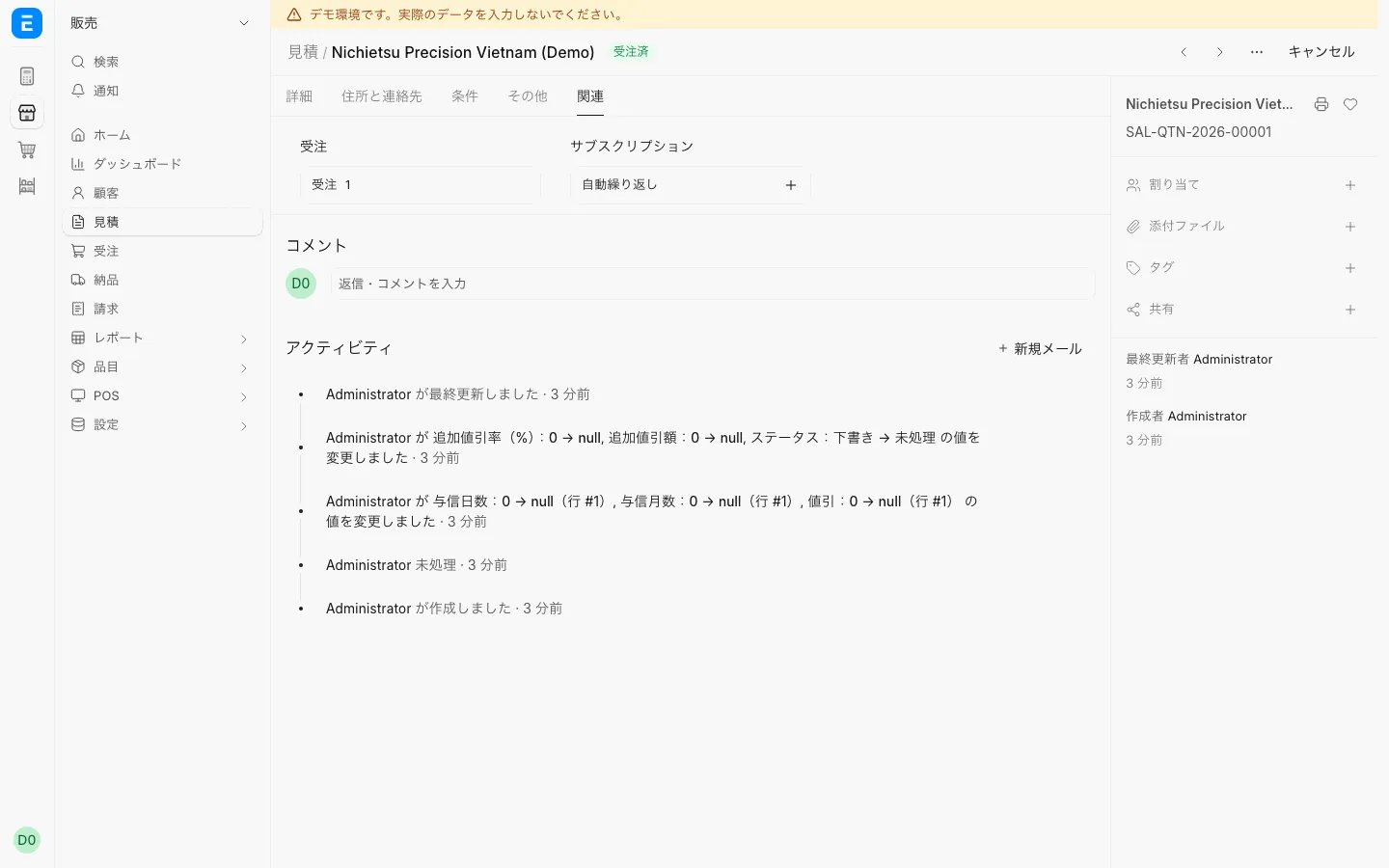
SalesThe sales order opened from the quote’s 関連 tabFrom the quote’s 関連 tab, open the sales order created from it.
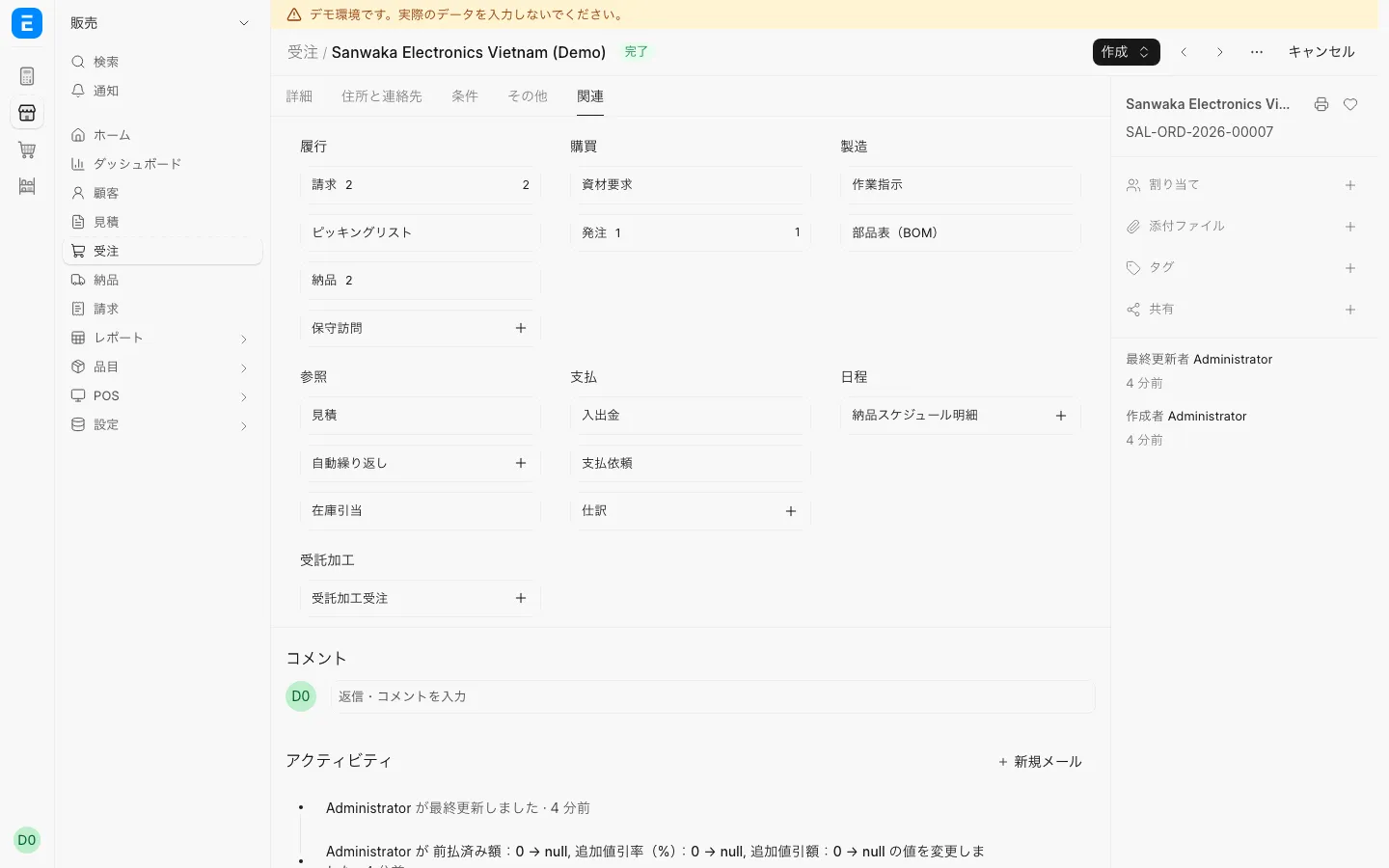
SalesSales order delivered in partsSee in the 関連 tab the deliveries made against one sales order.
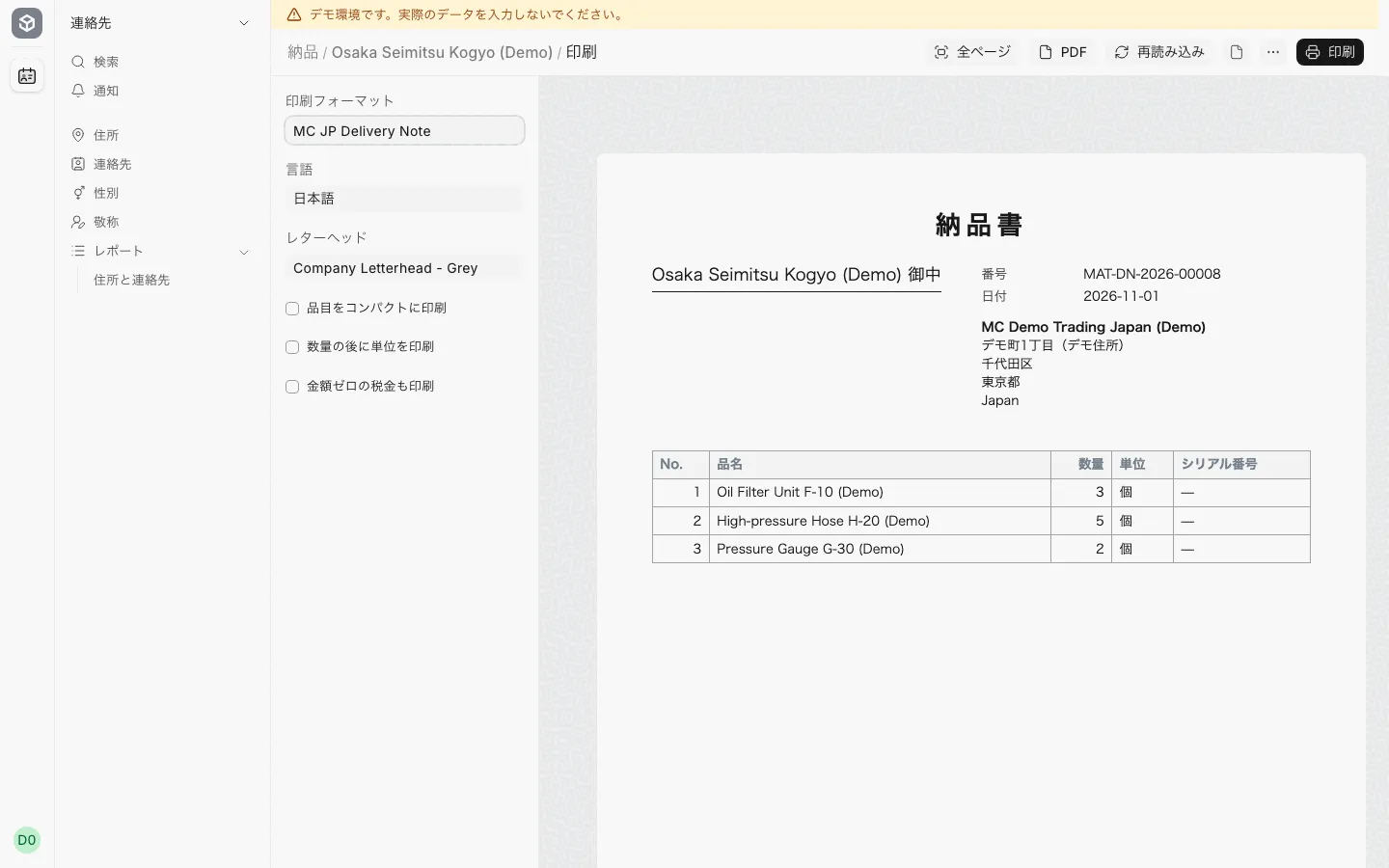
SalesPrinted delivery note (納品書)Print an A4 納品書 with the "MC JP Delivery Note" print format.
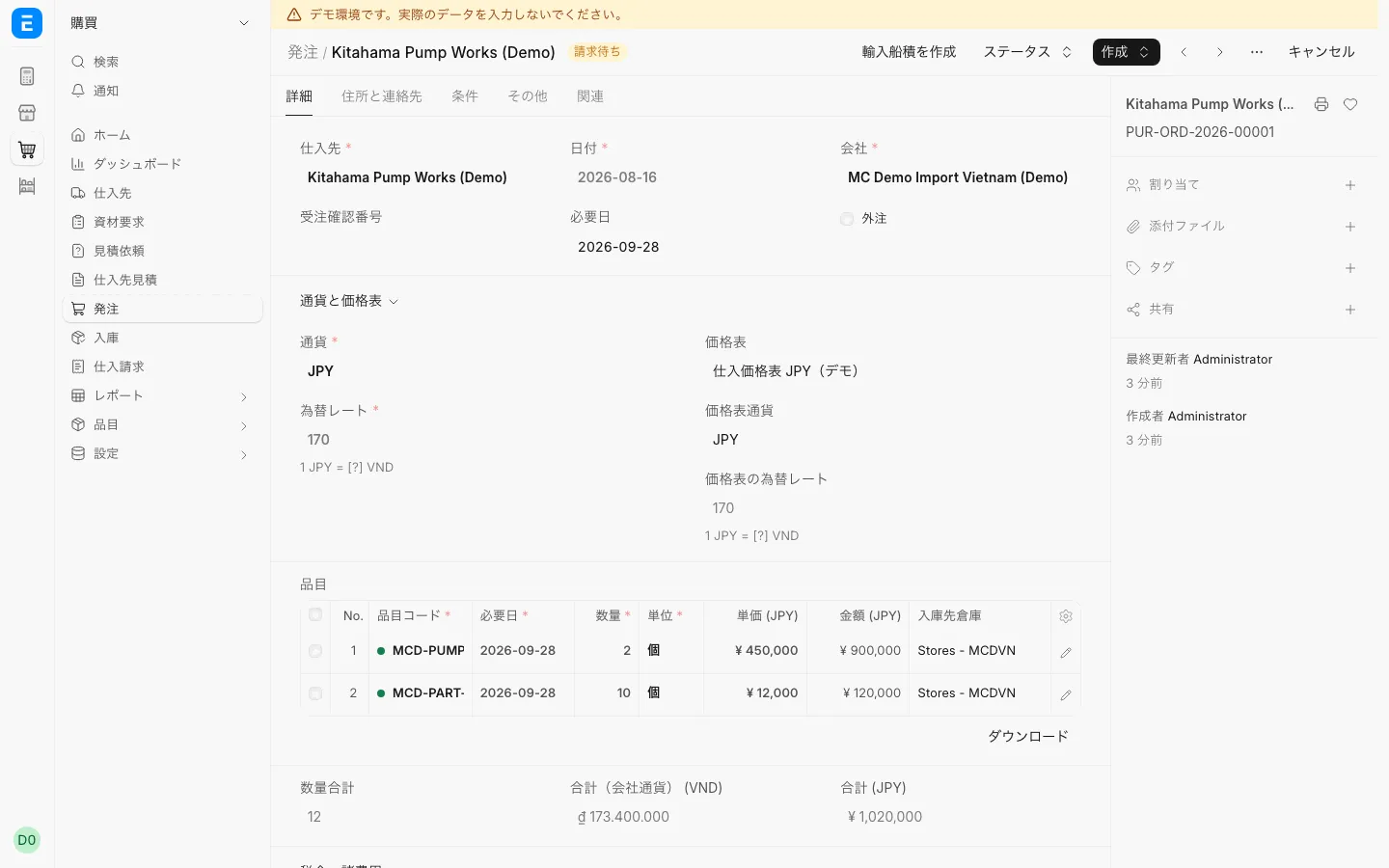
PurchasingPurchase orderOrder from a Japanese supplier in yen.
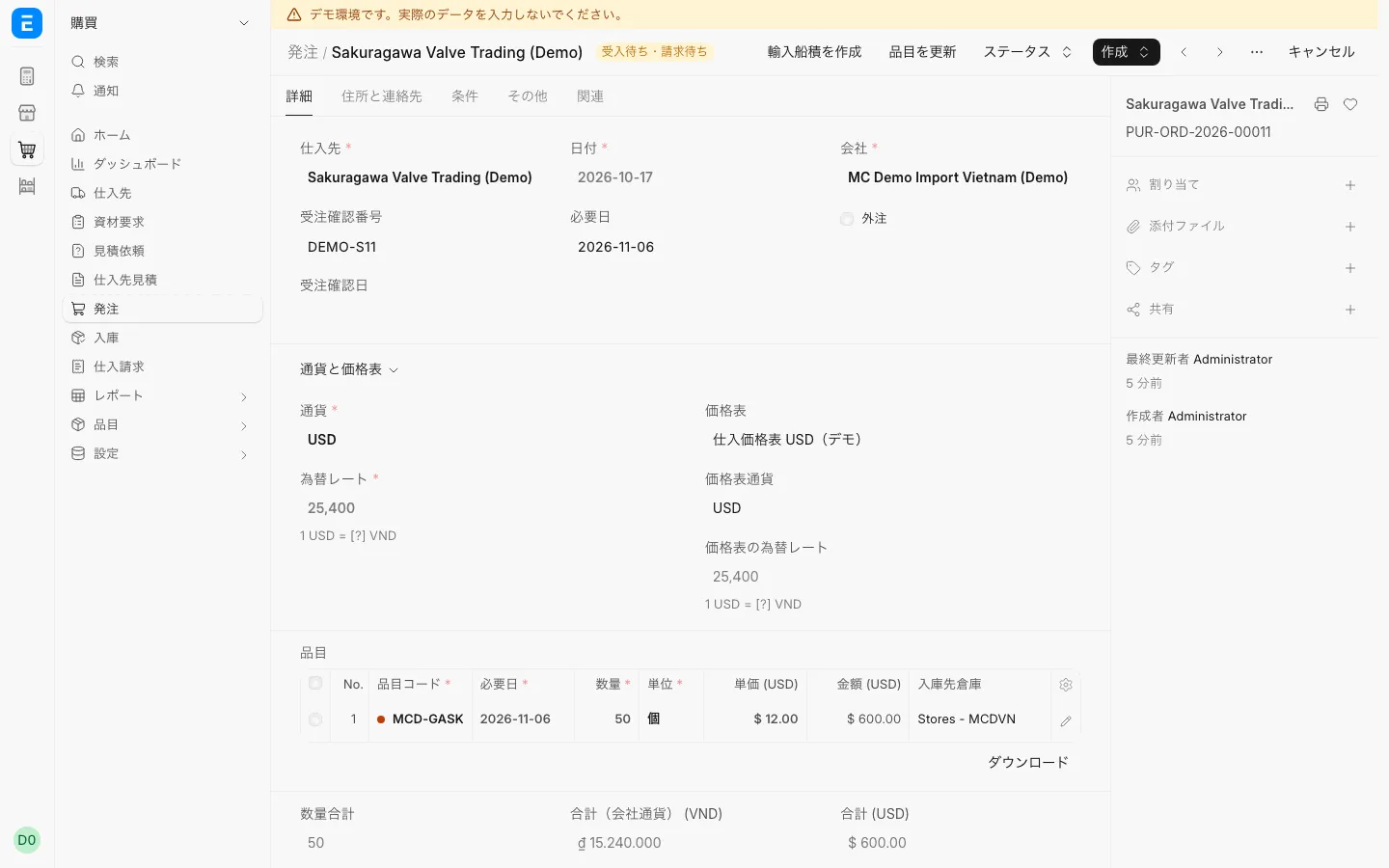
PurchasingPurchase order in USDCurrency is set per supplier; this order is in US dollars.
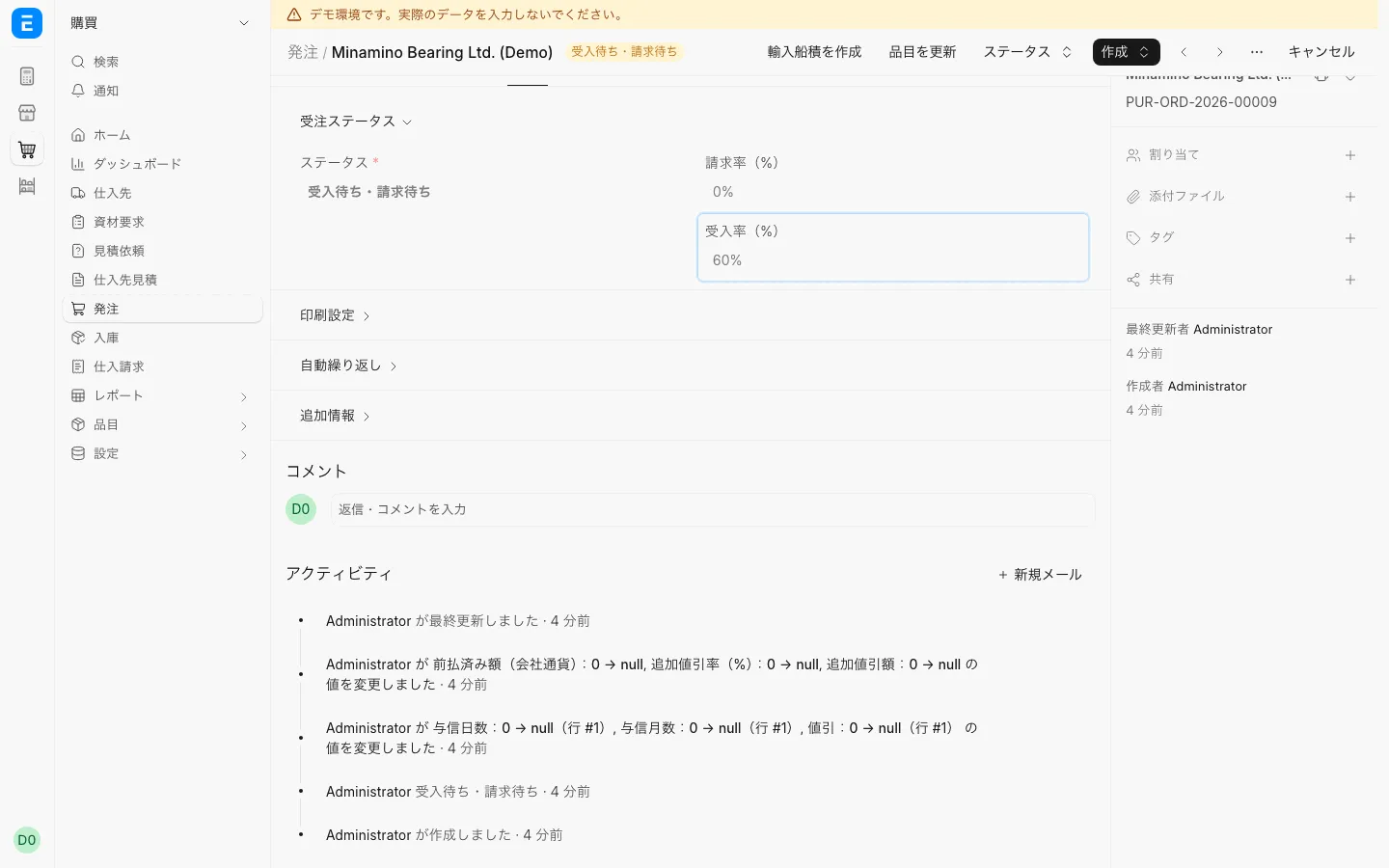
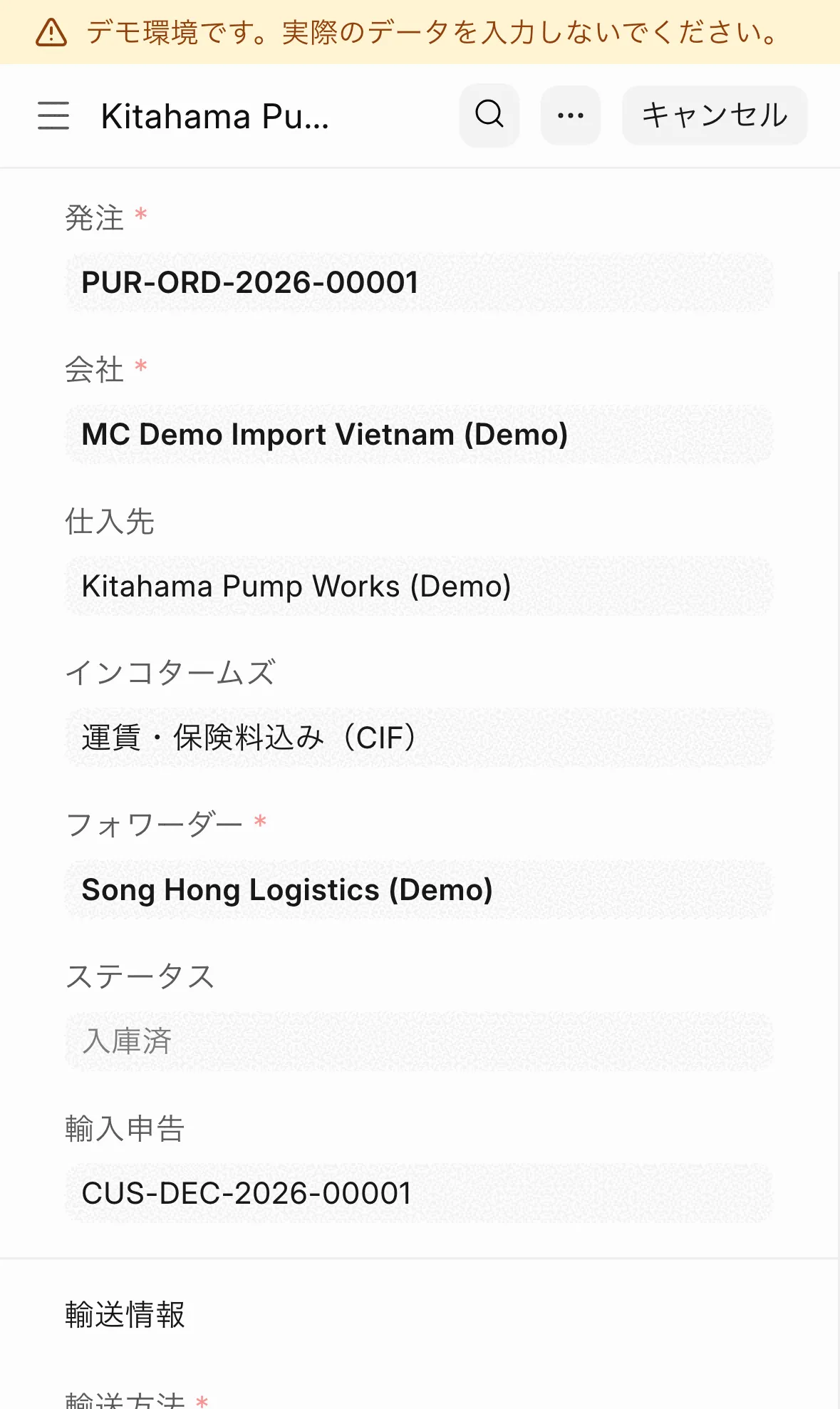
PurchasingPartly received purchase orderSee how much of the order has been received.
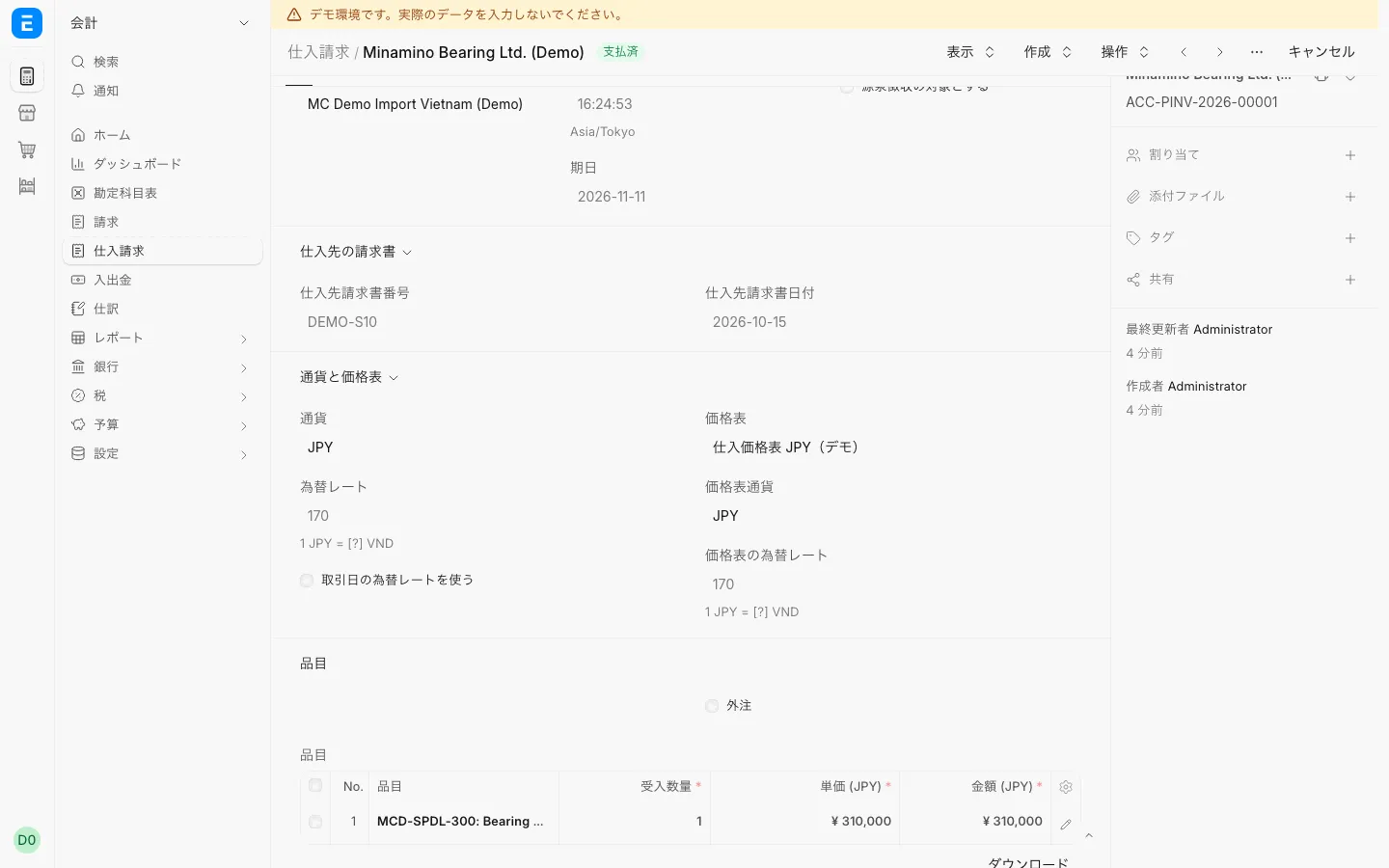
PurchasingPurchase invoice in yenRecord a supplier invoice in yen.
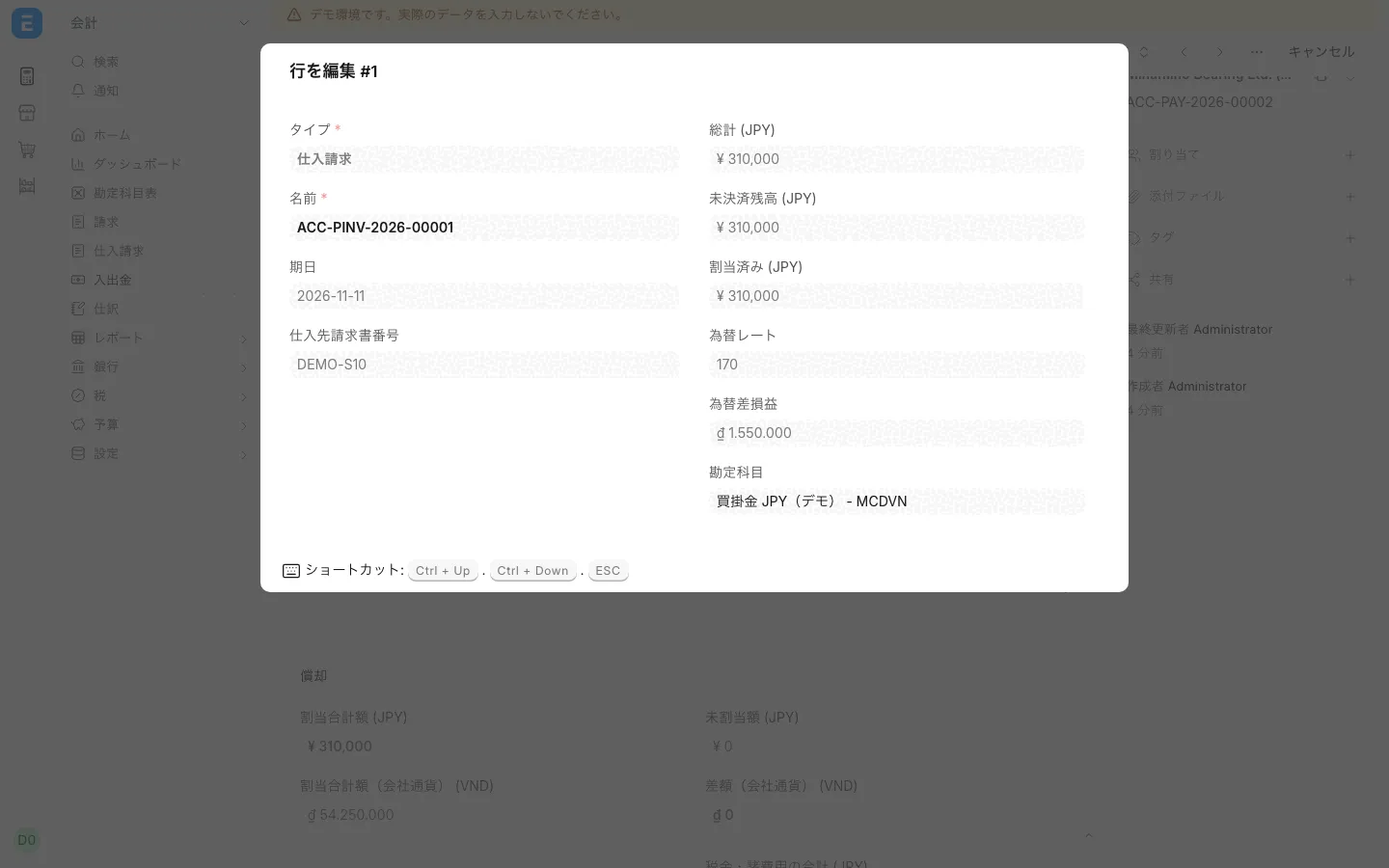
PurchasingExchange gain or loss on paymentThe exchange gain or loss from a yen payment shows in the payment line.
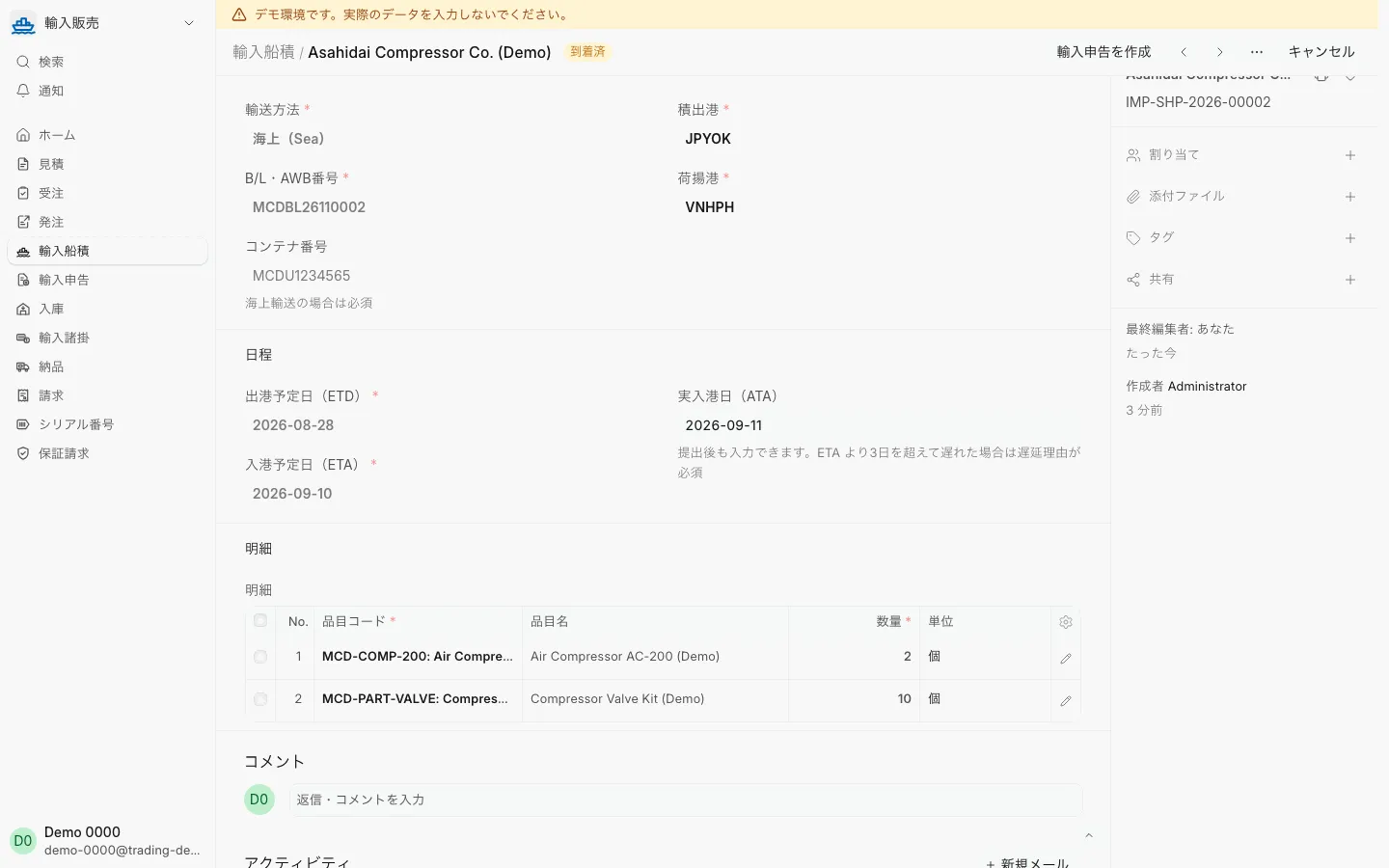
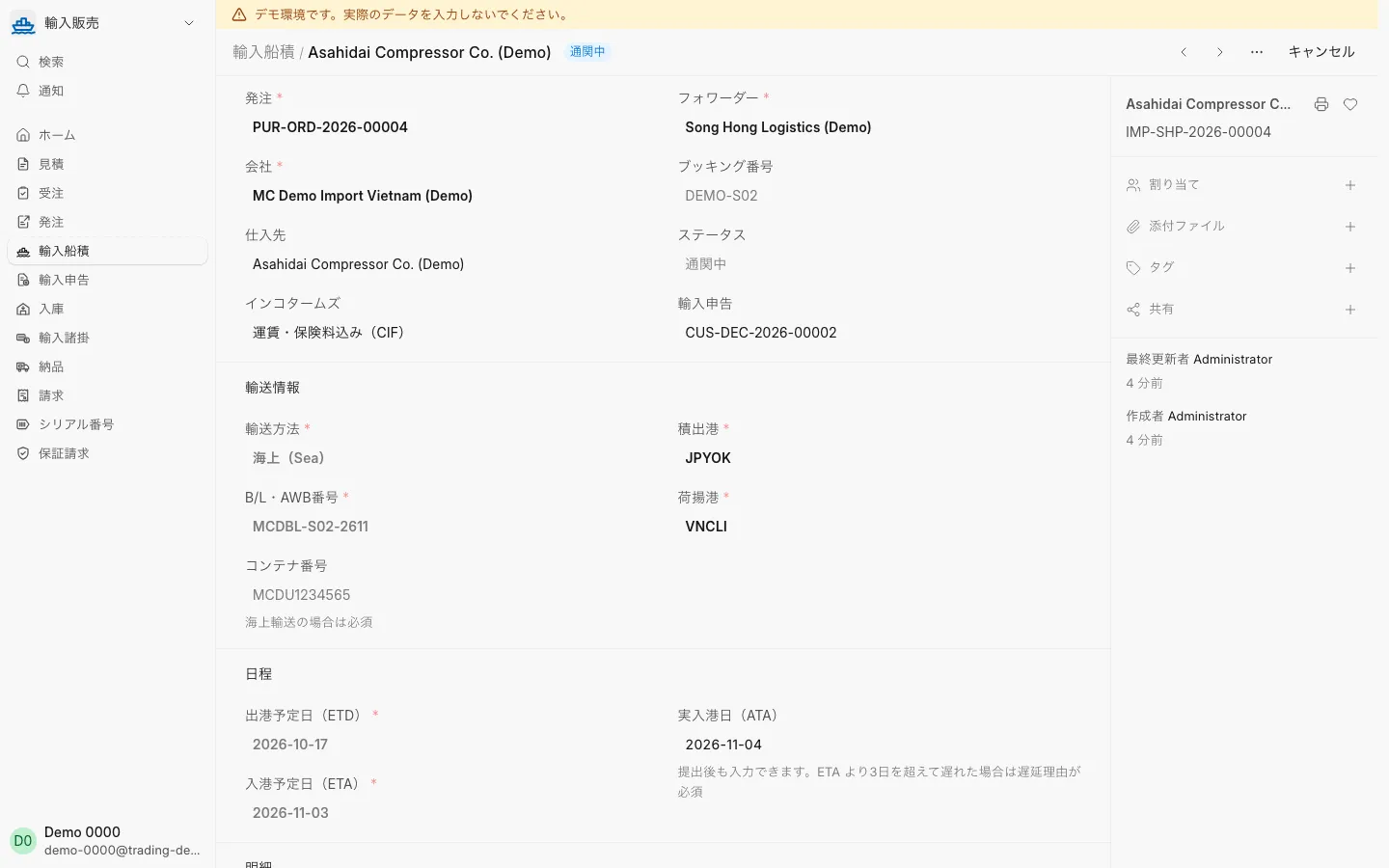
Import and customsImport shipmentRecord the transport mode, ports, B/L number, ETD/ETA and actual arrival.
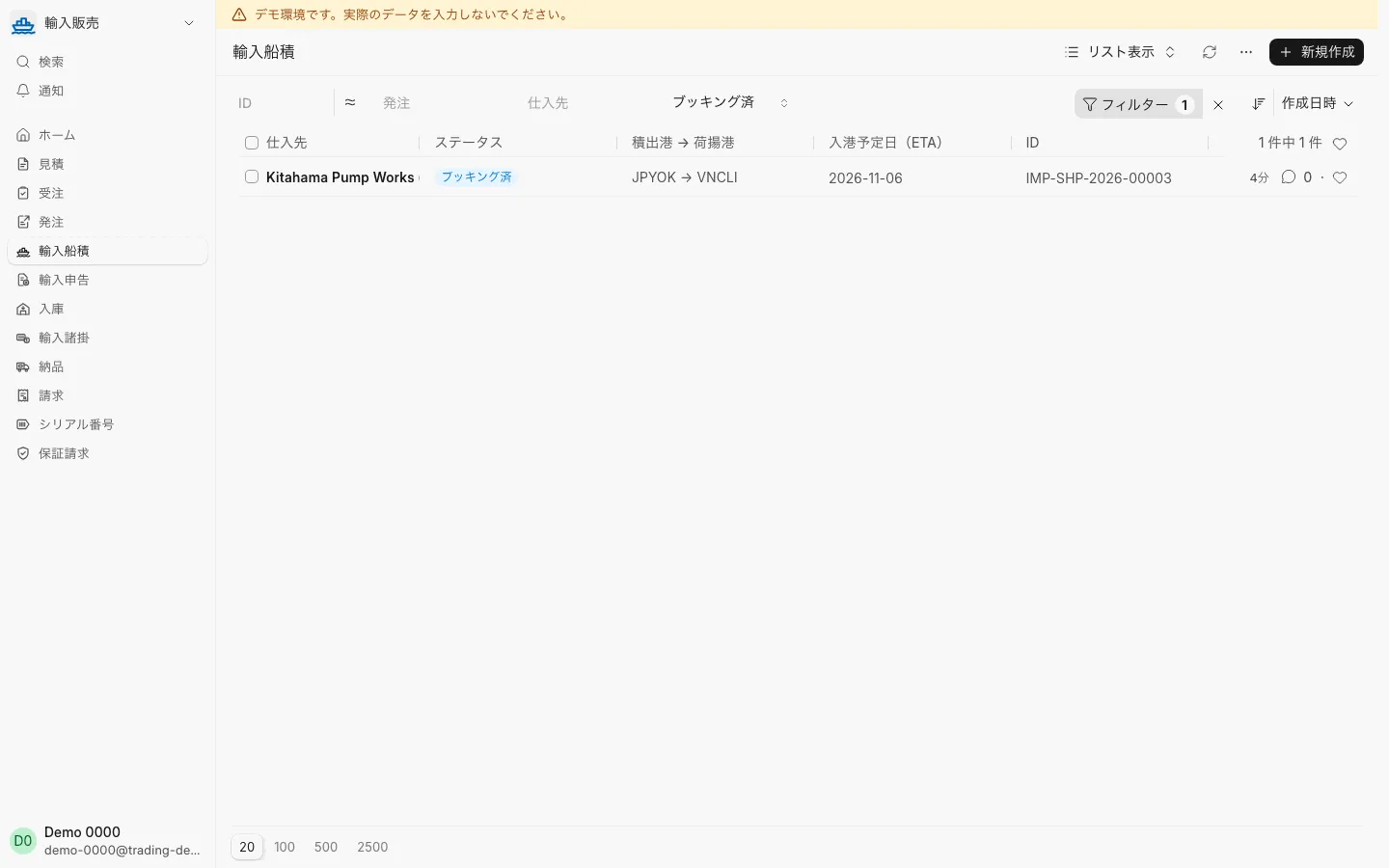
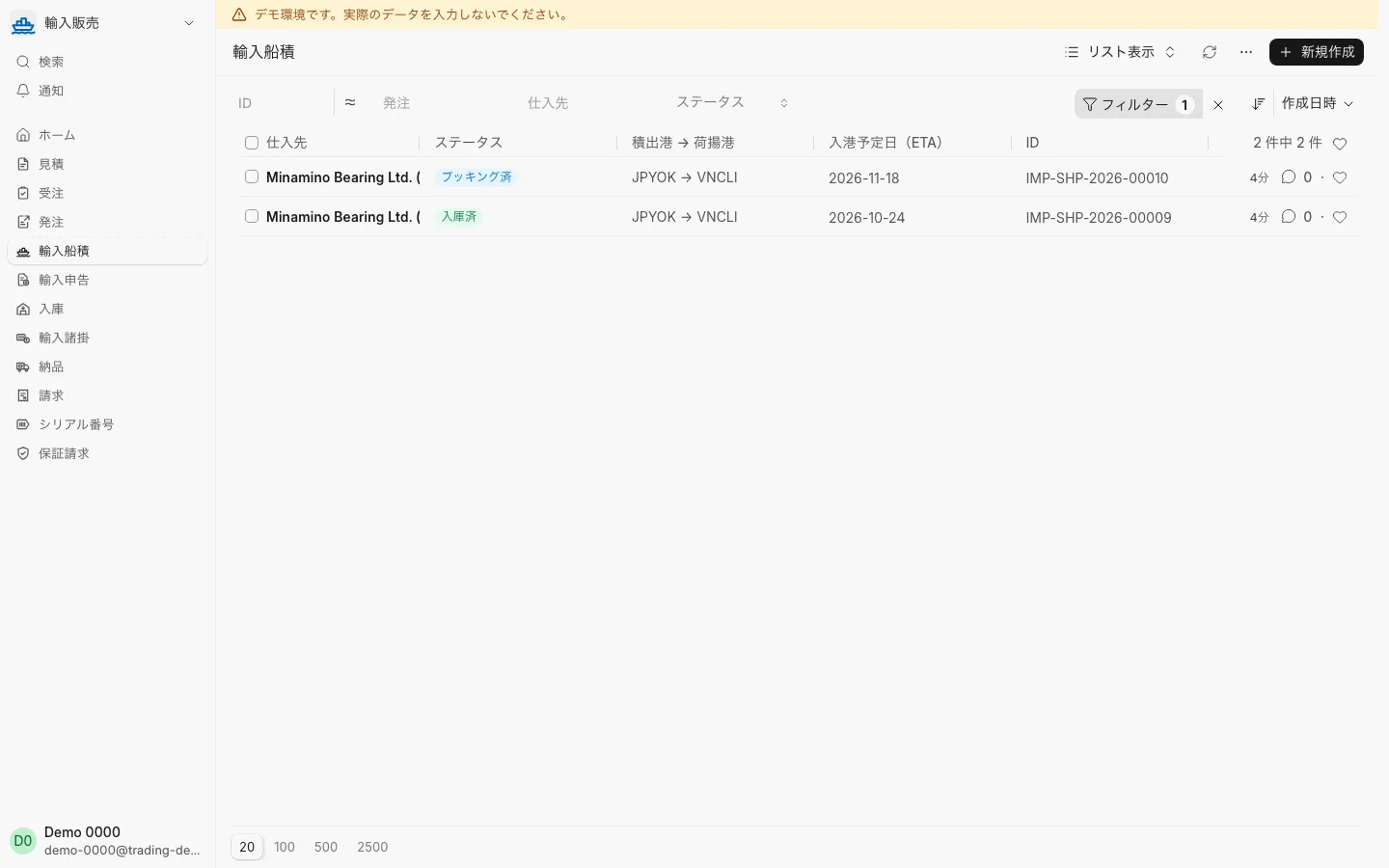
Import and customsList of booked import shipmentsFilter by status and see each shipment’s ETA.
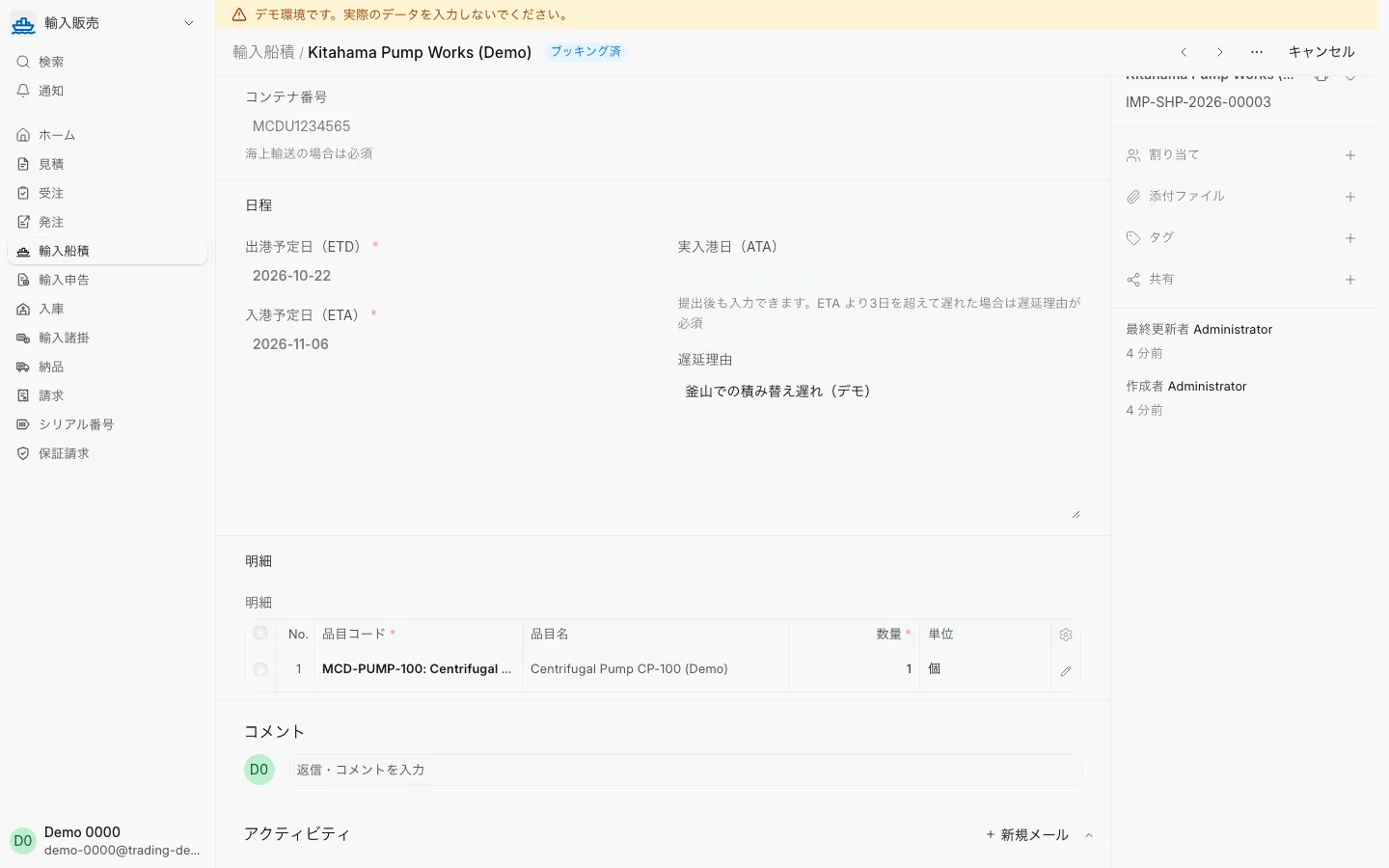
Import and customsShipment with a delay reasonRecord a delay reason on a late shipment; it can be edited after submission.
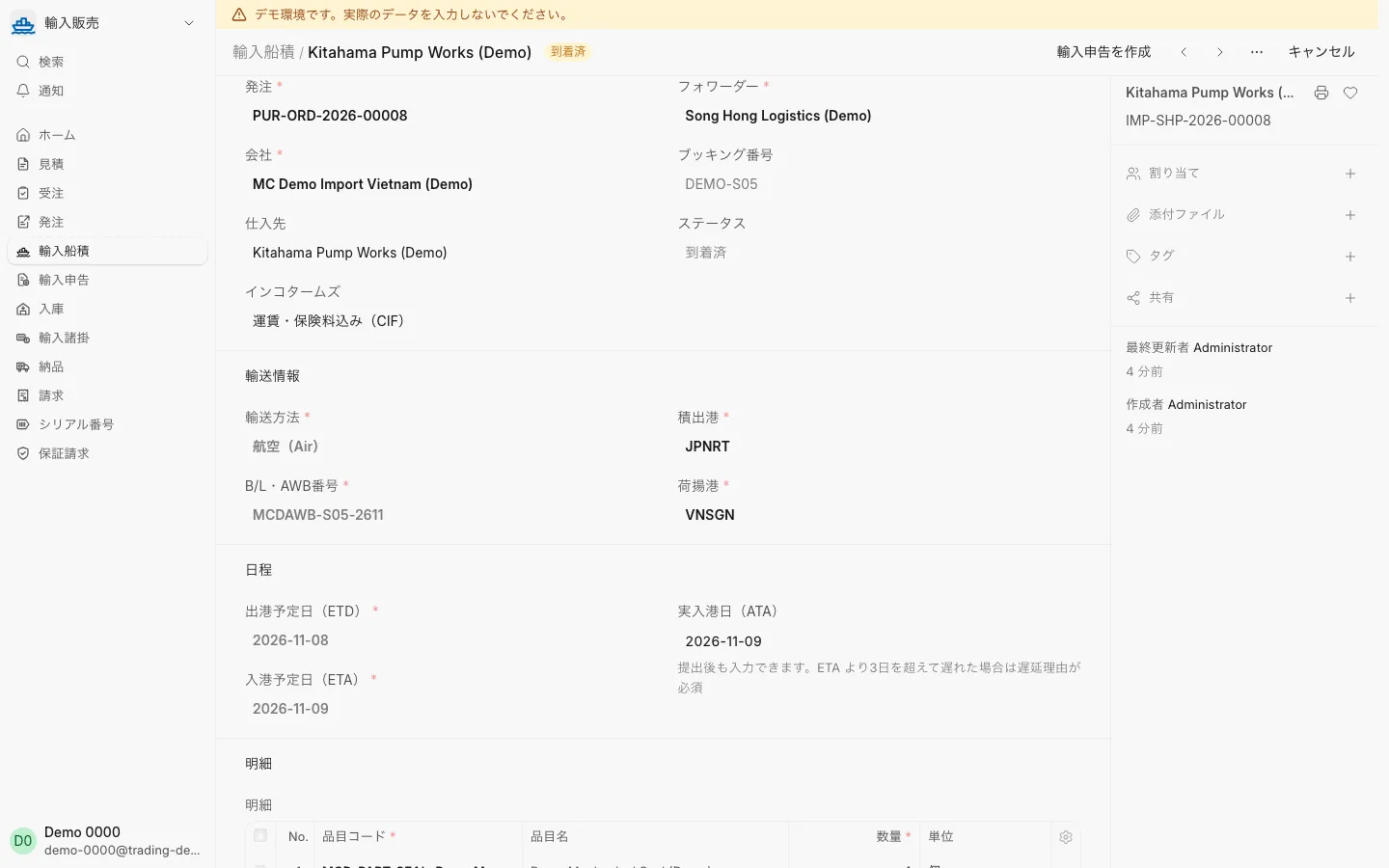
Import and customsImport shipment by air (AWB number)For air freight, record the airports and AWB number; no container is needed.
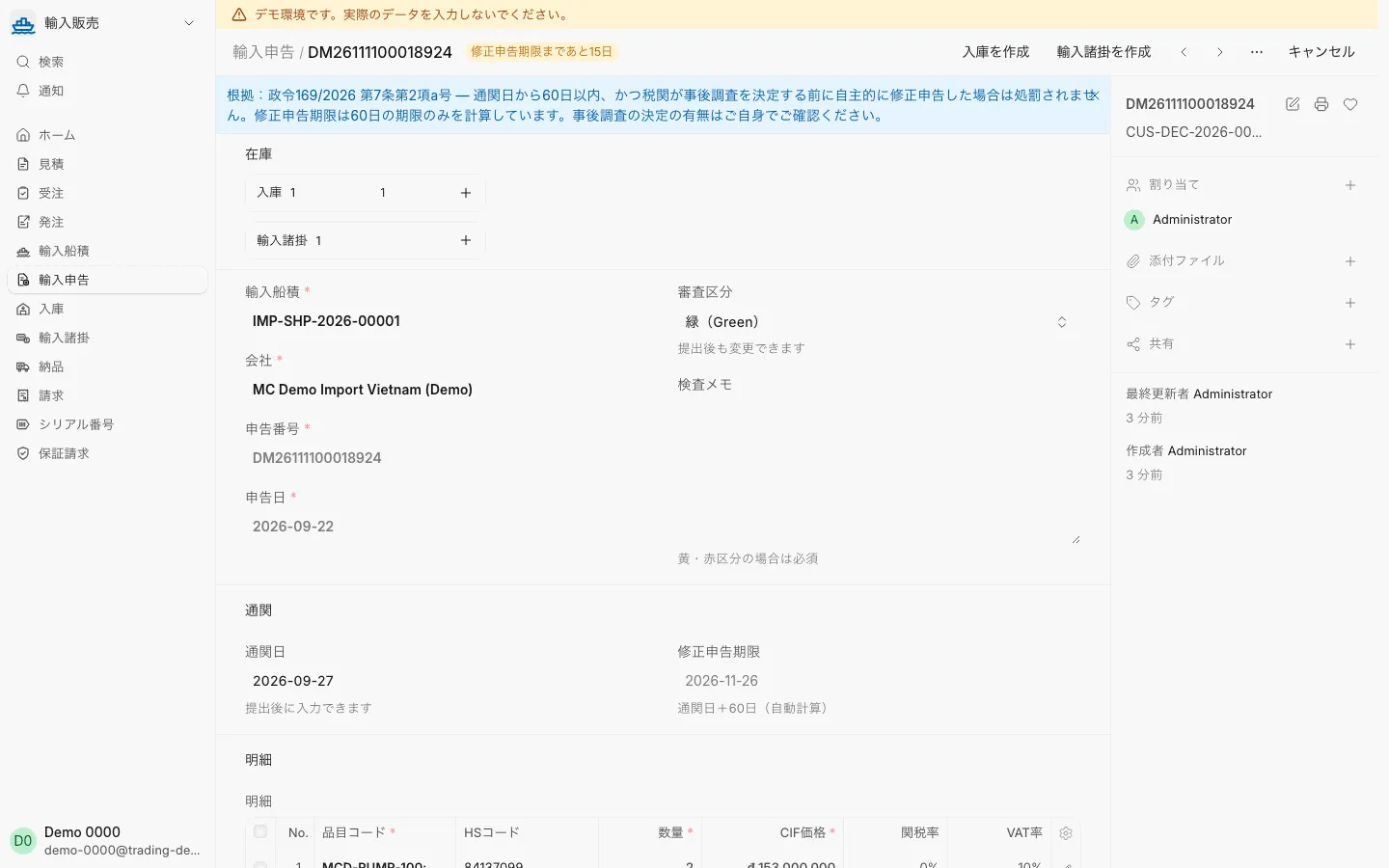
Import and customsImport declarationRecord the inspection channel and clearance date; the amendment deadline is calculated.
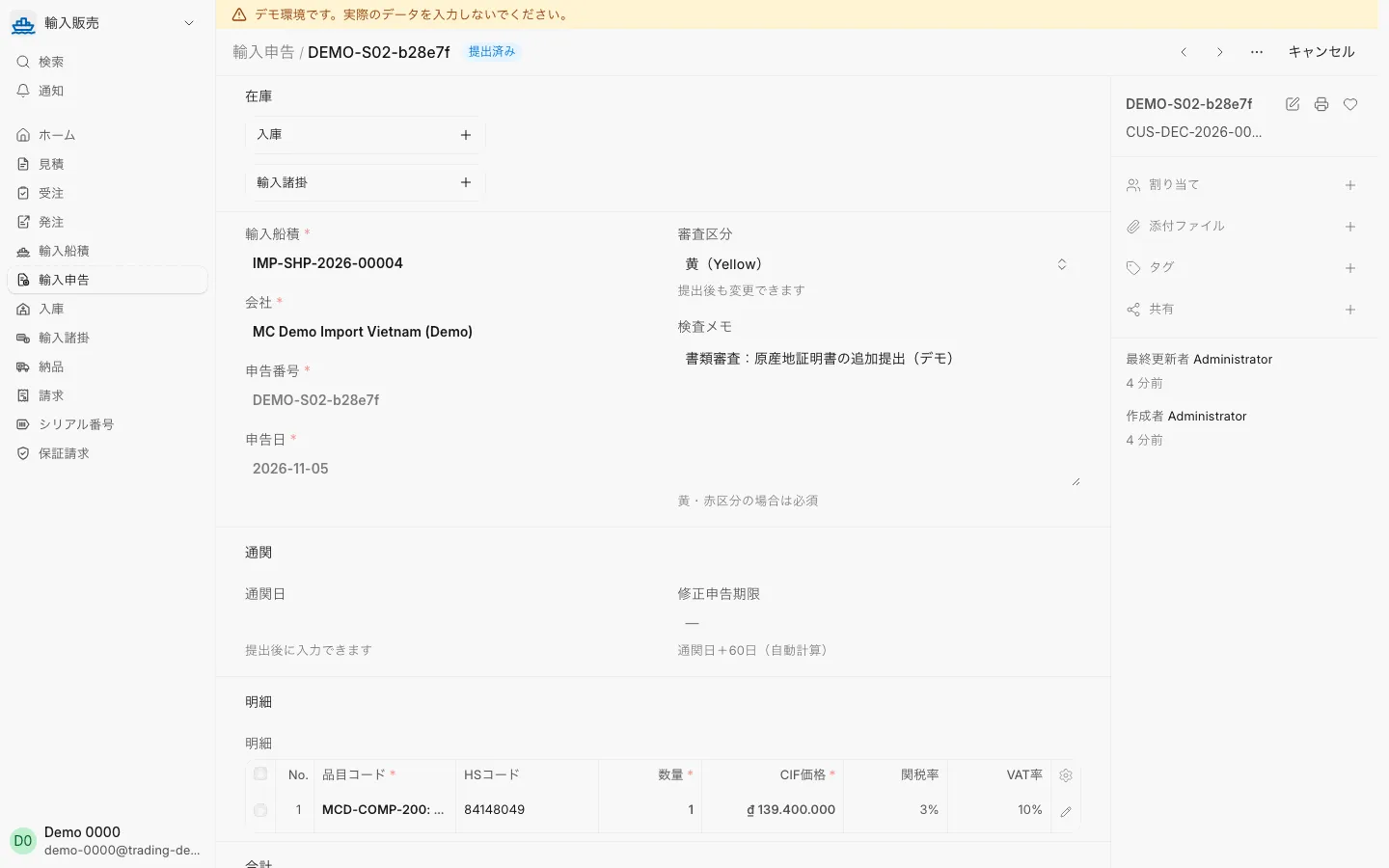
Import and customsImport declaration, yellow channelFor a yellow or red channel, record inspection notes.
Import and customsShipment in customs clearanceA shipment whose declaration is being processed shows as in customs clearance.
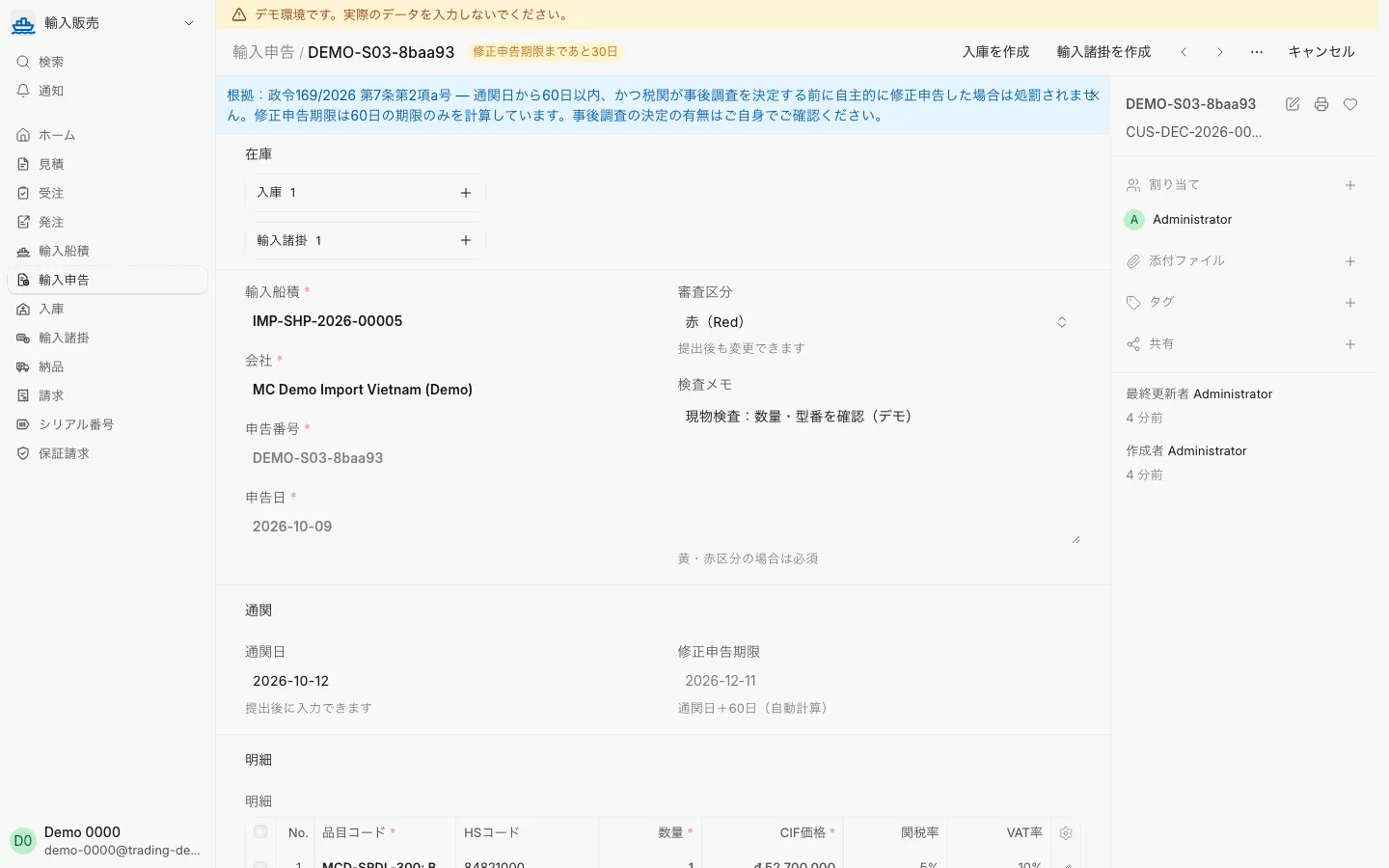
Import and customsImport declaration, red channelRecord the physical inspection in the inspection notes.
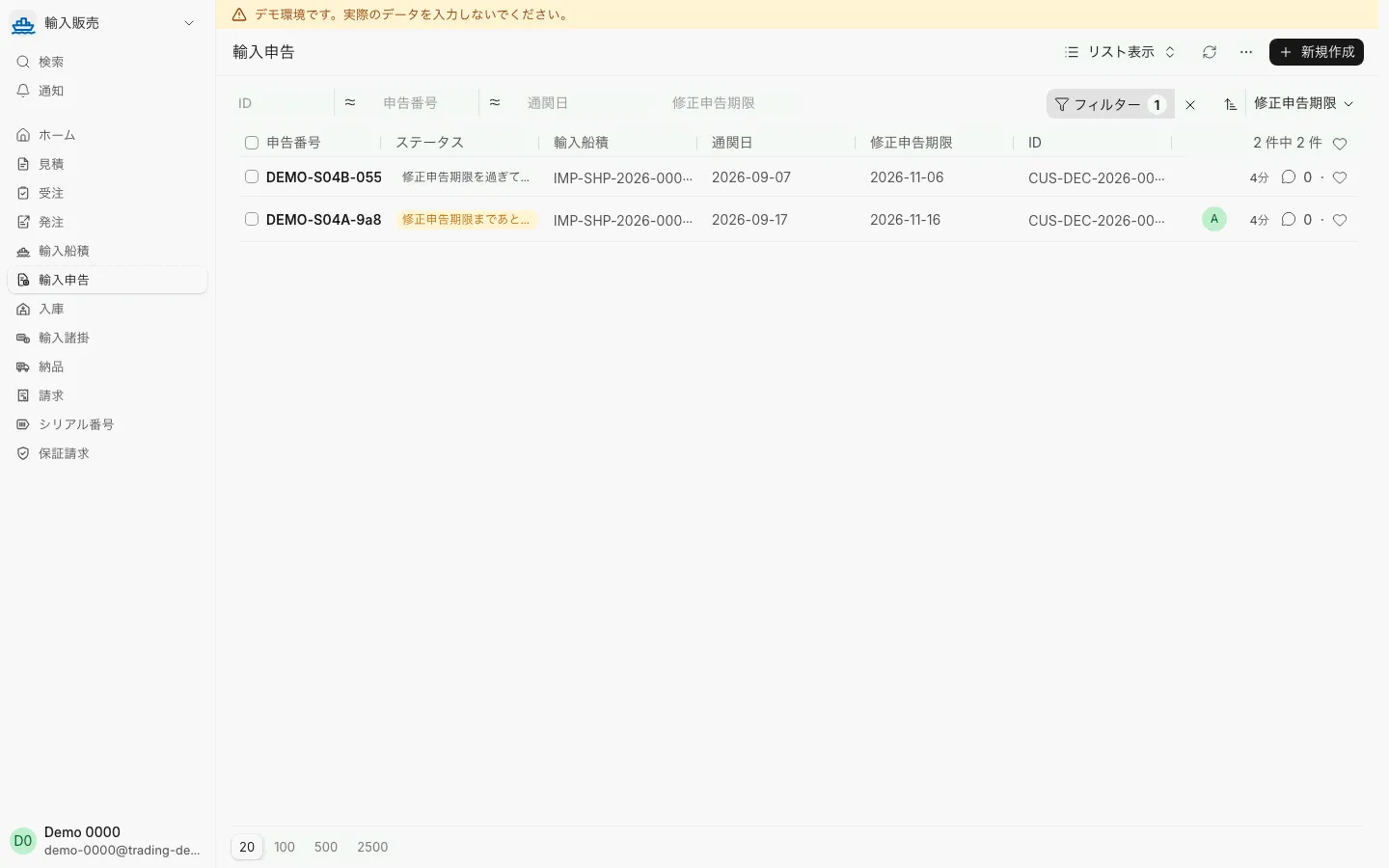
Import and customsDeclarations sorted by amendment deadlineSort by amendment deadline to see declarations near or past it.
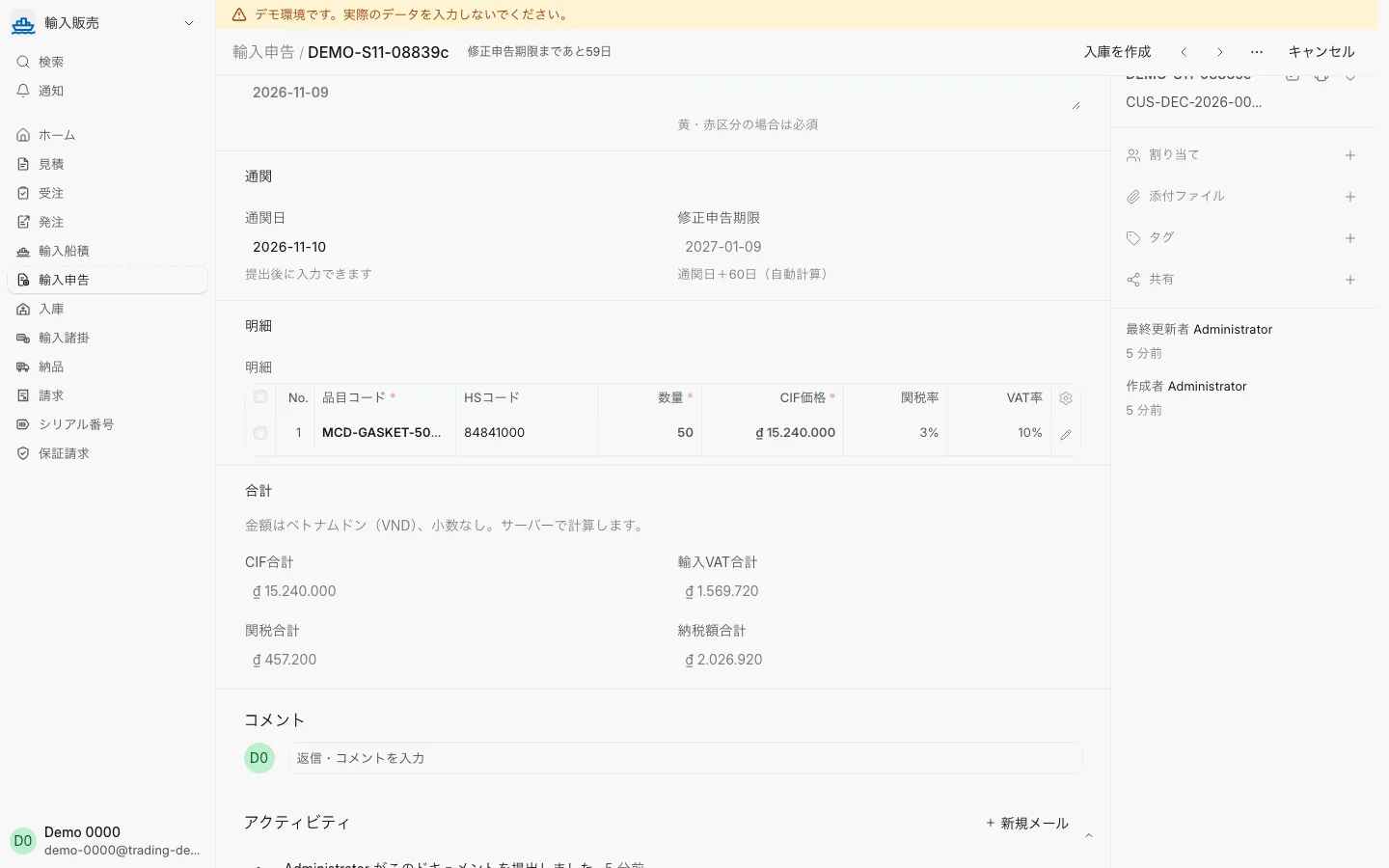
Import and customsCIF value on the declarationEven for US dollar purchases, the CIF value is in Vietnamese dong and import duty and VAT are calculated.
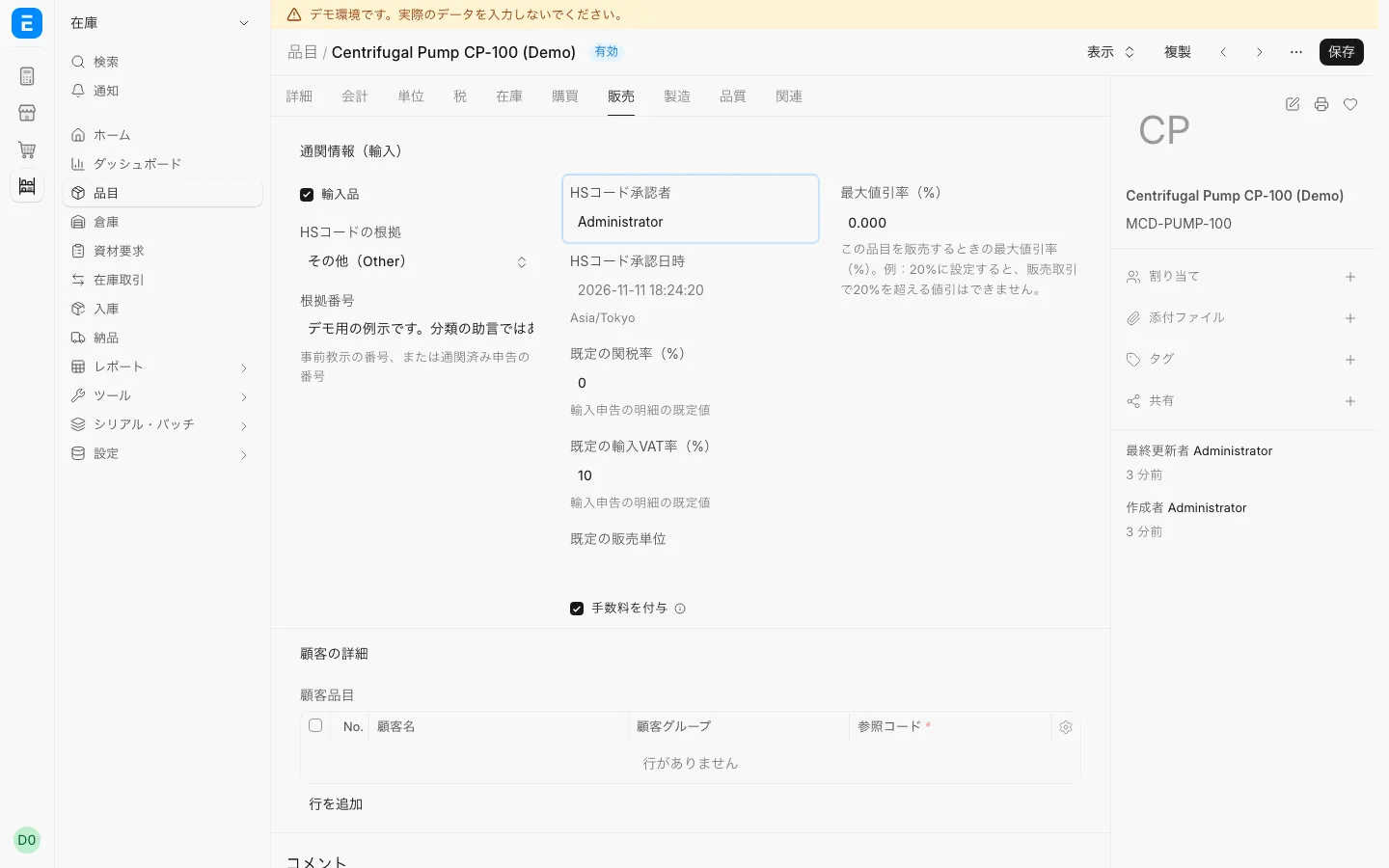
Import and customsItem customs informationRecord the HS classification basis, the approver and approval time, and the default duty and import VAT rates for each item.
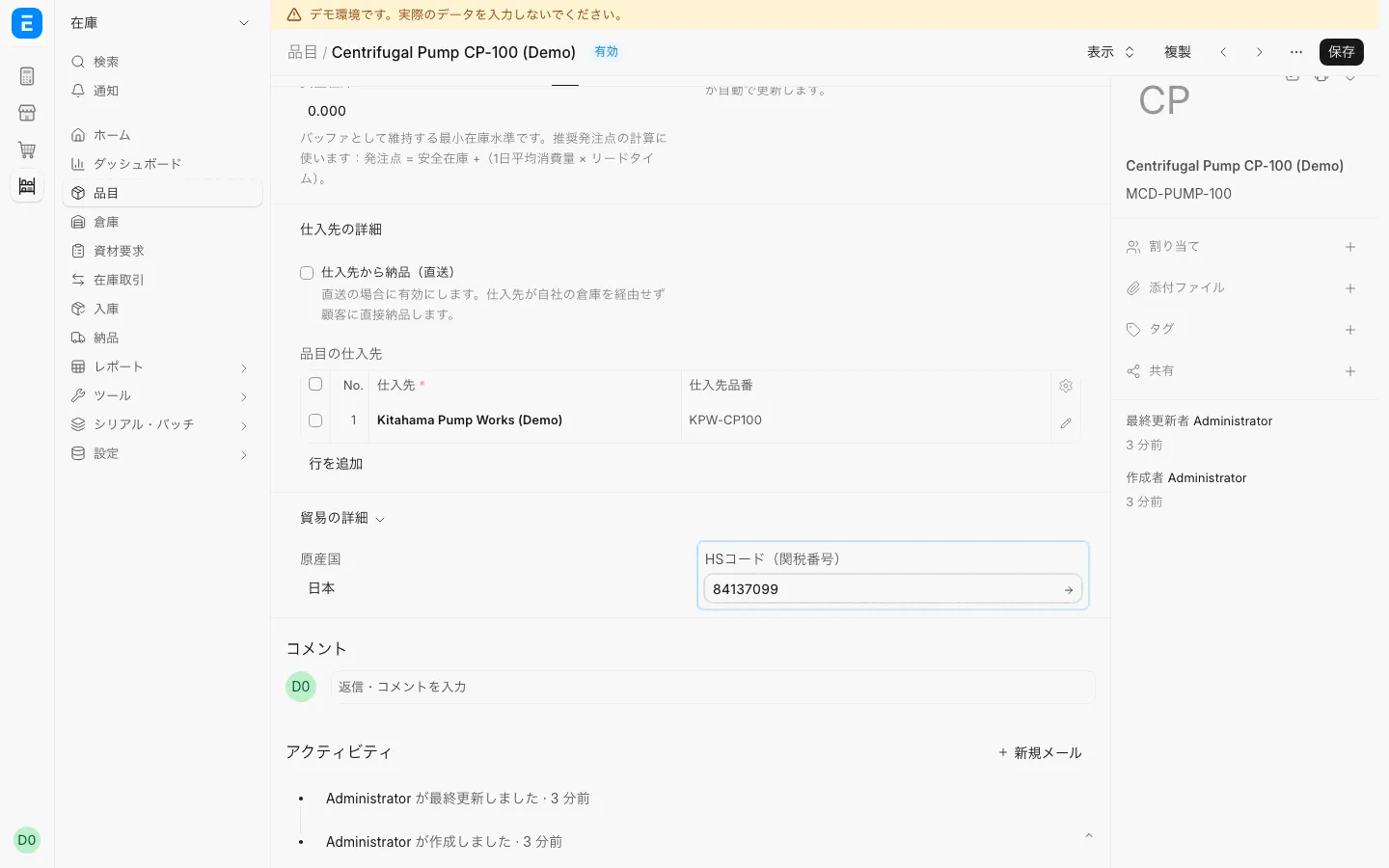
Import and customsItem HS code and originRecord the supplier part number, origin and HS code on the item.
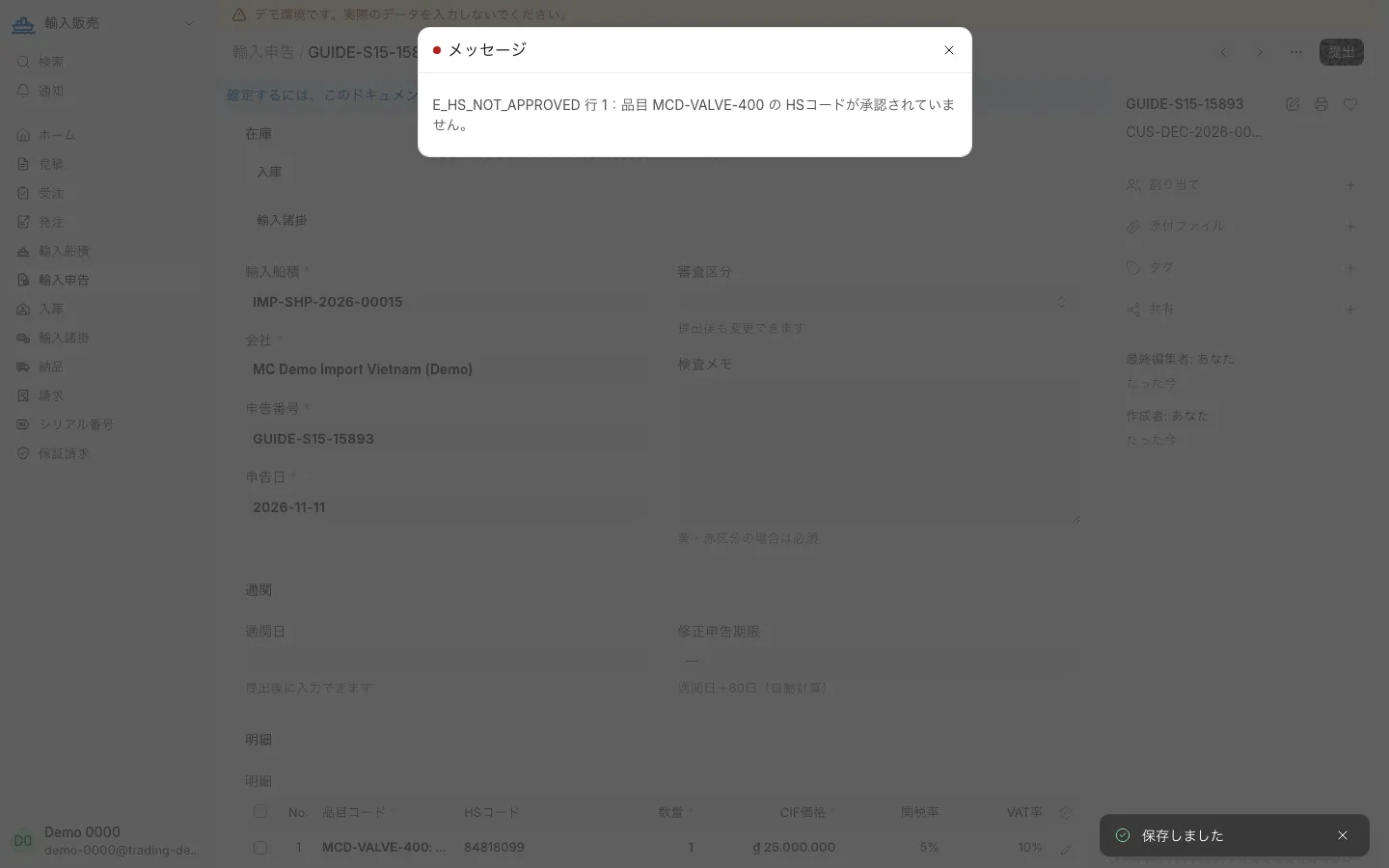
Import and customsDeclaration error for an unapproved HS codeA declaration with an item whose HS code is not approved cannot be submitted.
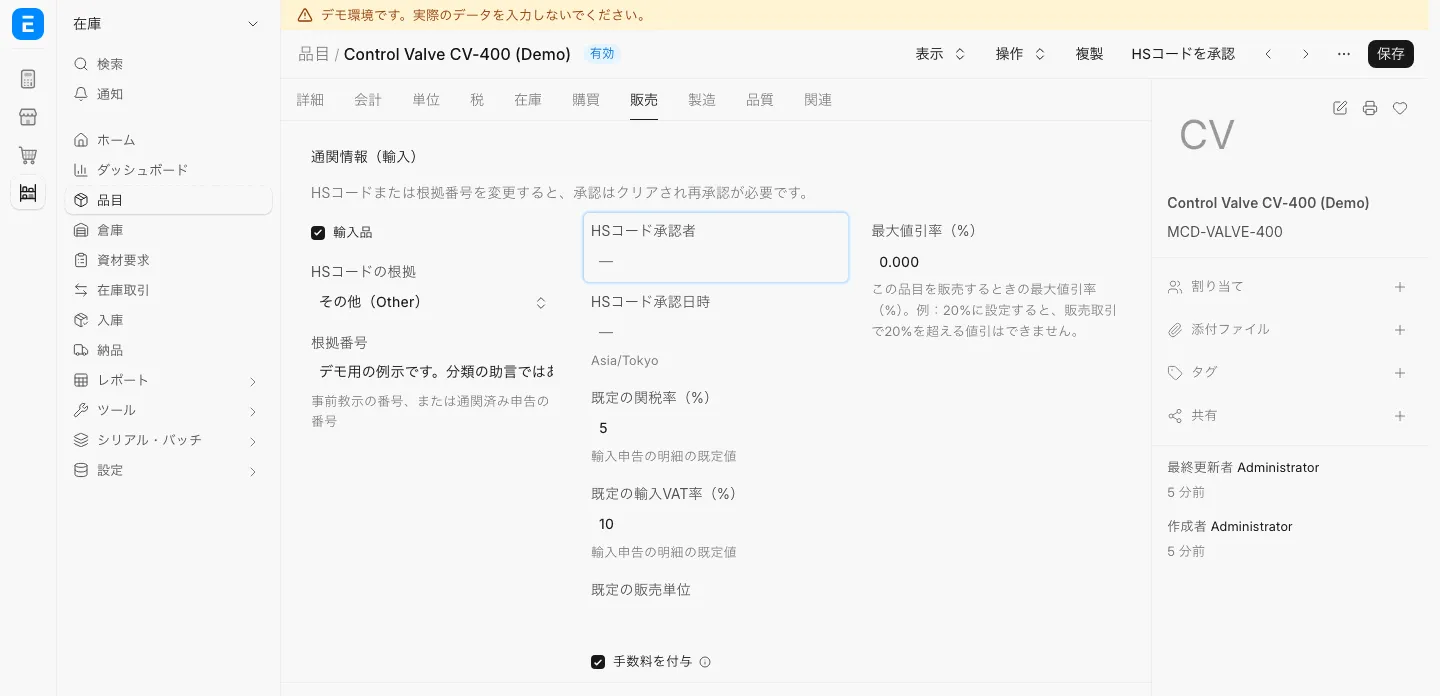
Import and customsHS code approvalApprove the HS code from the item’s customs information.
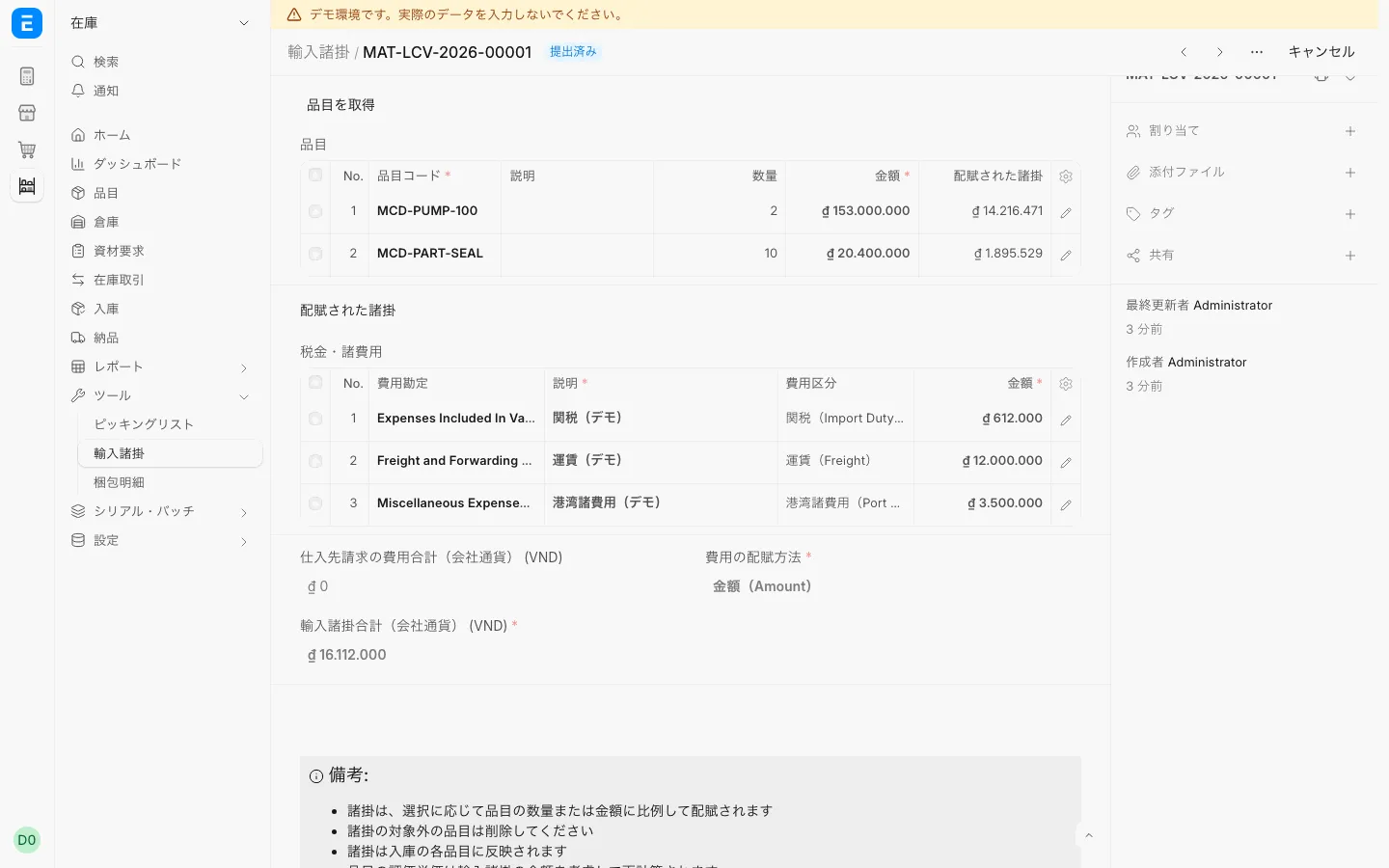
Import and customsLanded costAllocate import duty and freight to the cost of each item.
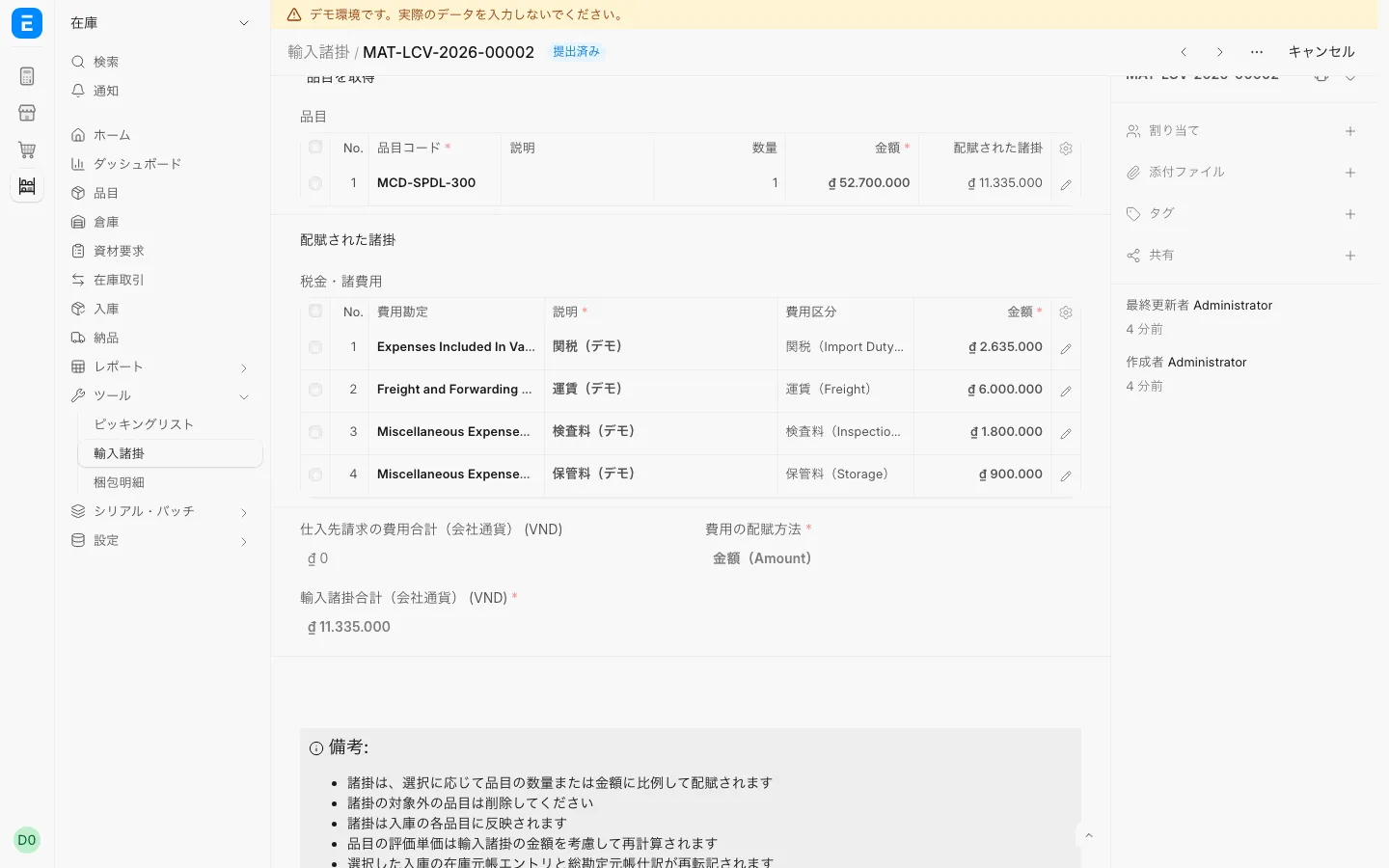
Import and customsLanded cost with inspection and storage feesInspection and storage fees are allocated to cost like duty and freight.
Import and customsShipments received in partsOne order split into two shipments; see which is received and which is booked.
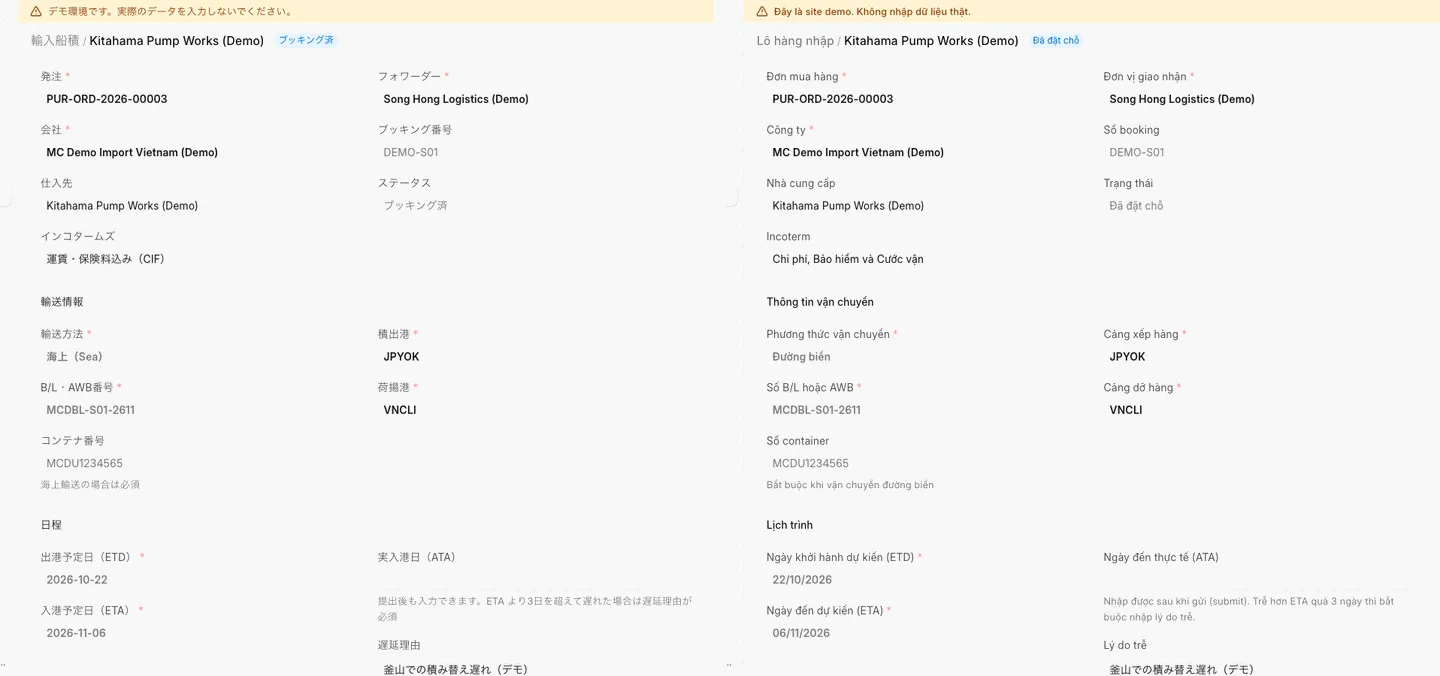
Import and customsThe same shipment in Japanese and VietnameseThe same document can be viewed on Japanese and Vietnamese screens.
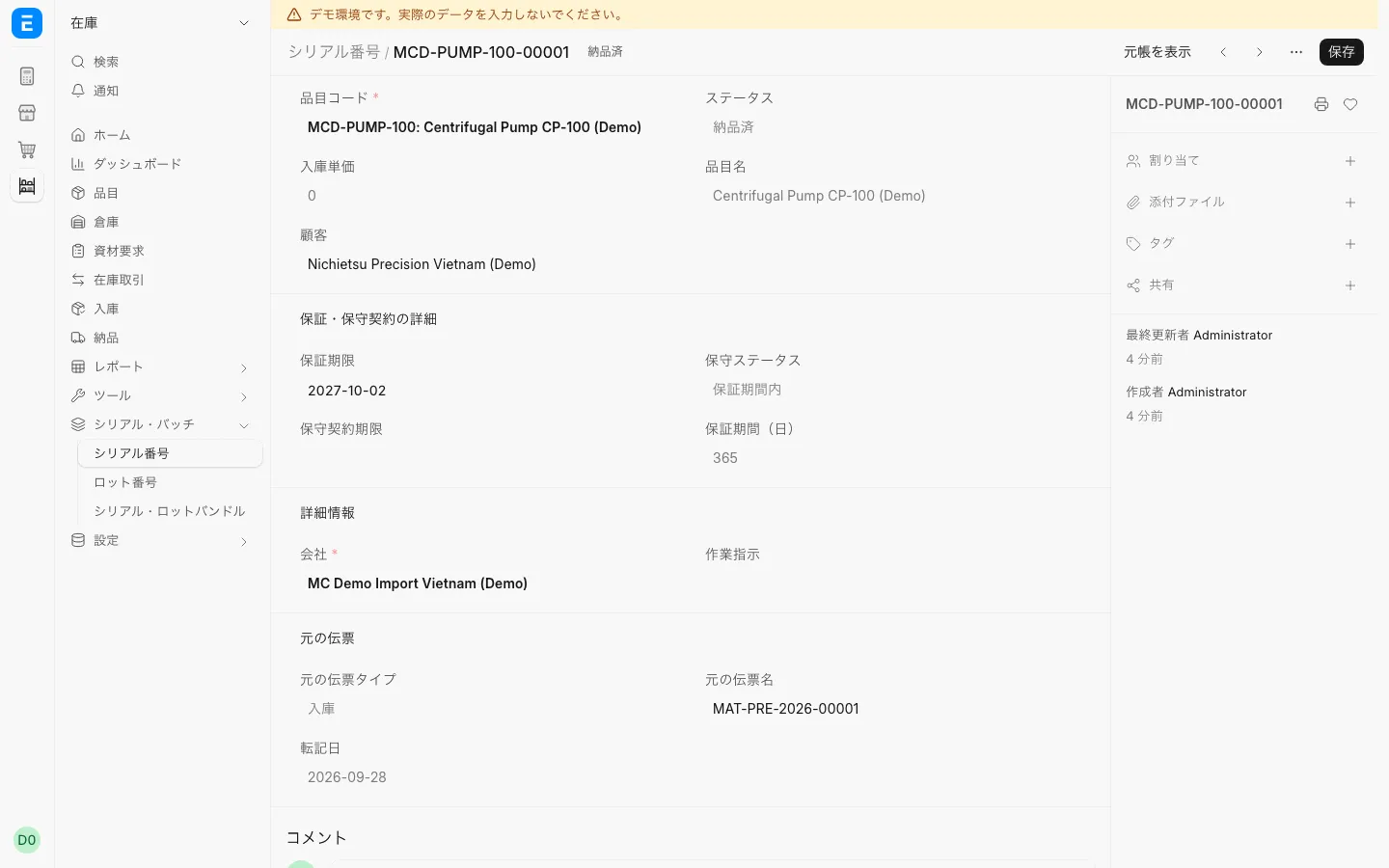
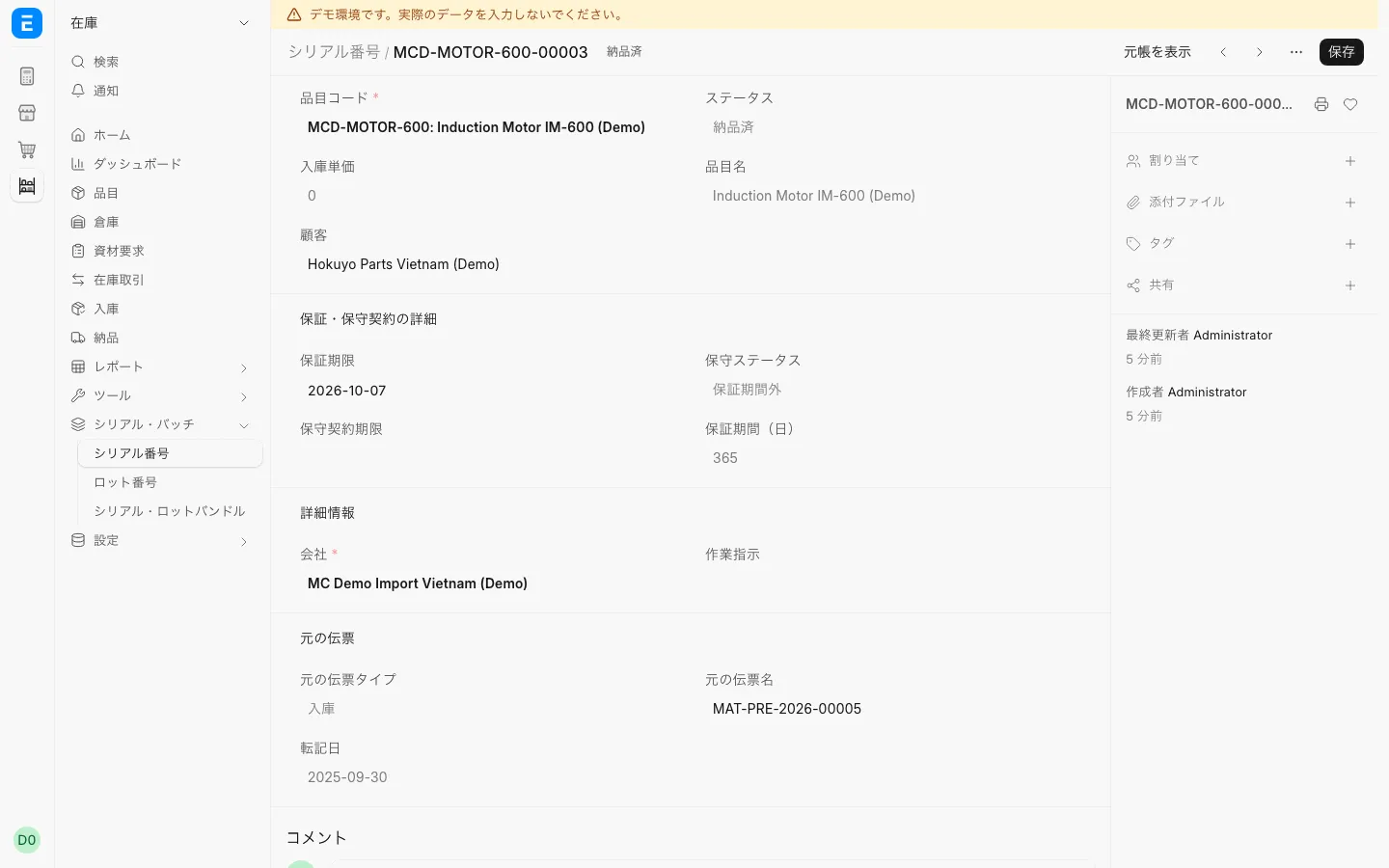
Stock and serial numbersSerial numberCheck the warranty expiry of each delivered serial number.
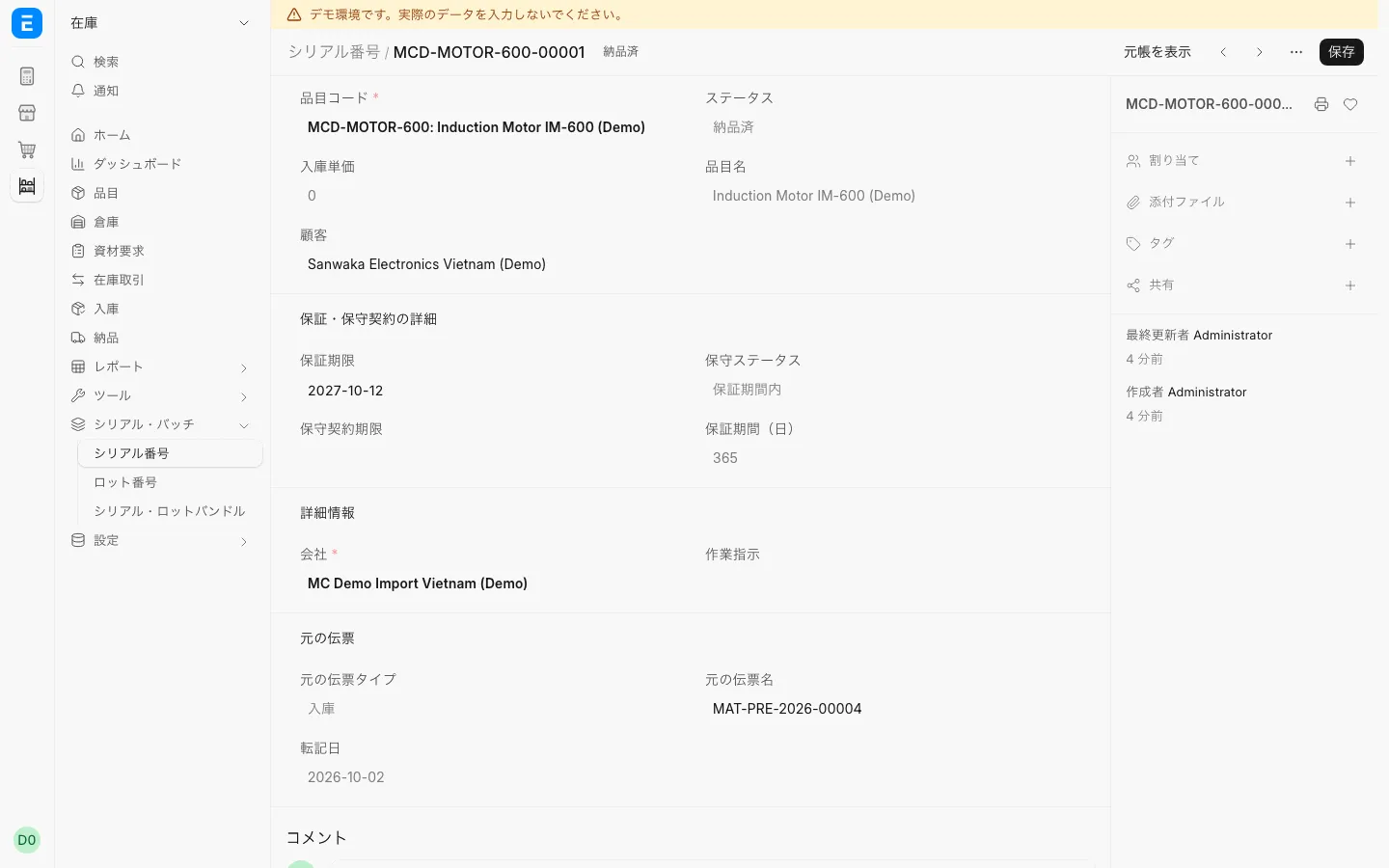
Stock and serial numbersSerial number from a partial deliveryA serial number from a partial delivery also shows its status and warranty date.
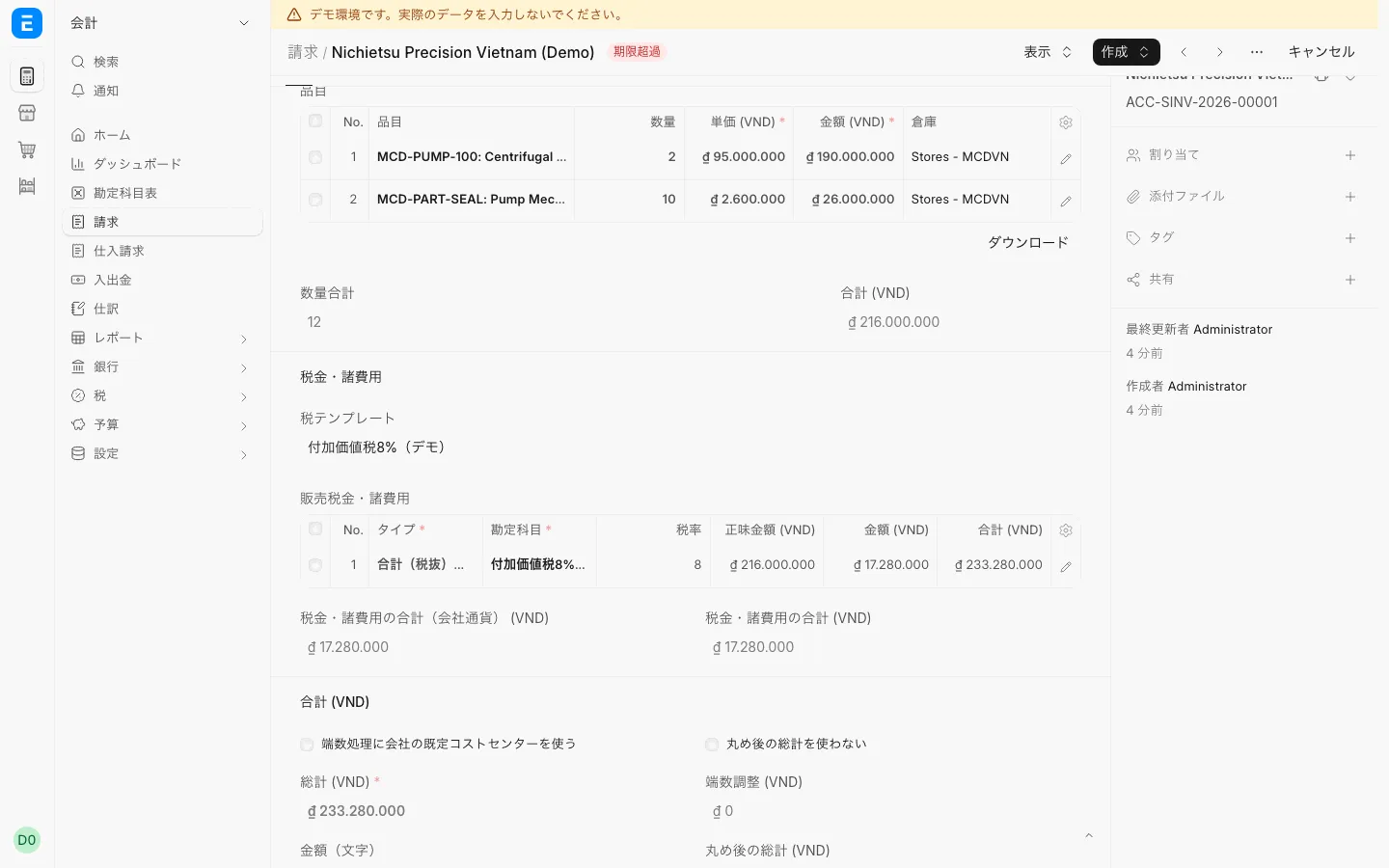
Accounting and receivablesSales invoiceTax and totals are calculated from the invoice lines and the tax template.
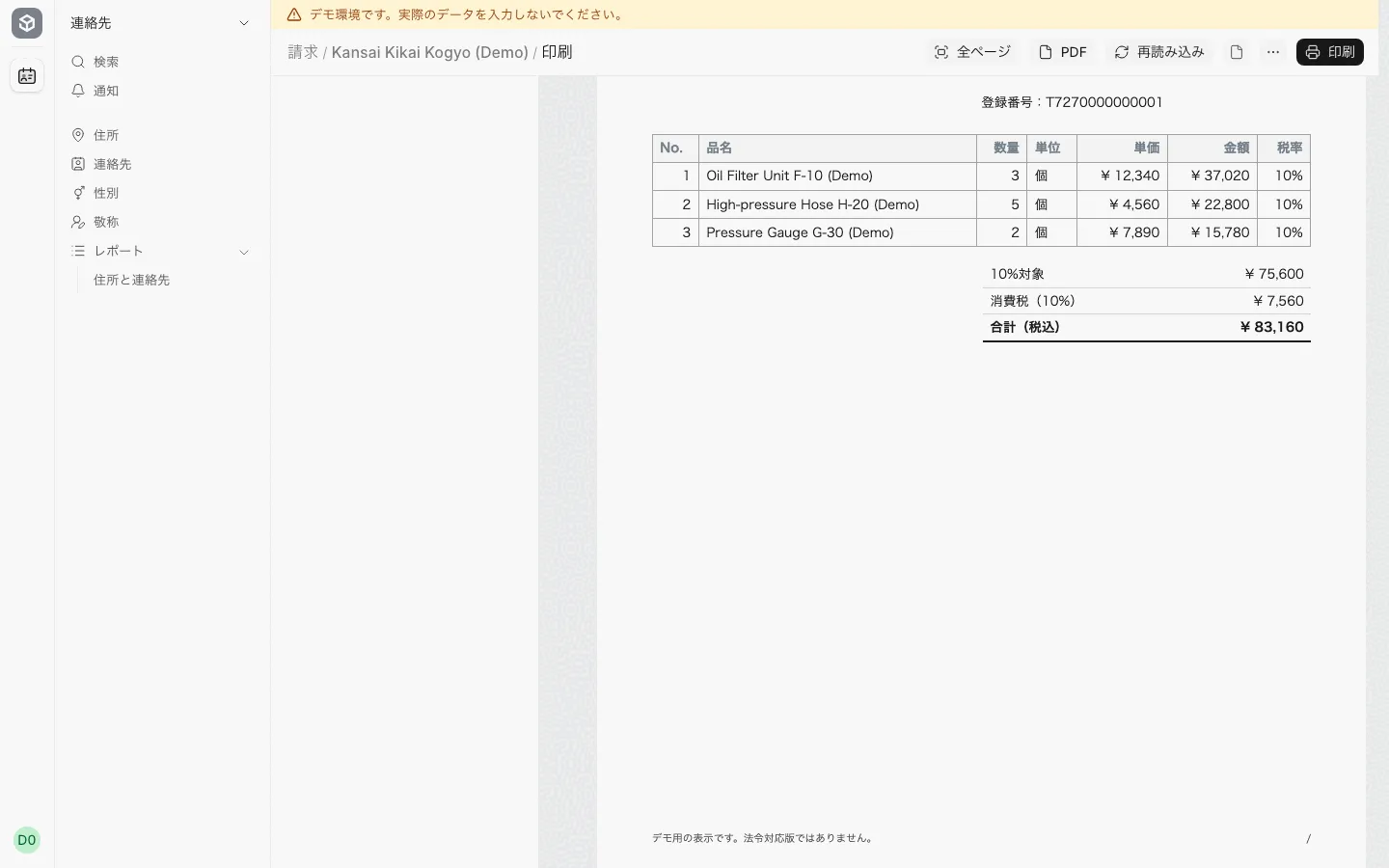
Accounting and receivablesInvoice print sampleA print sample in the 適格請求書 format, with the registration number and tax by rate.
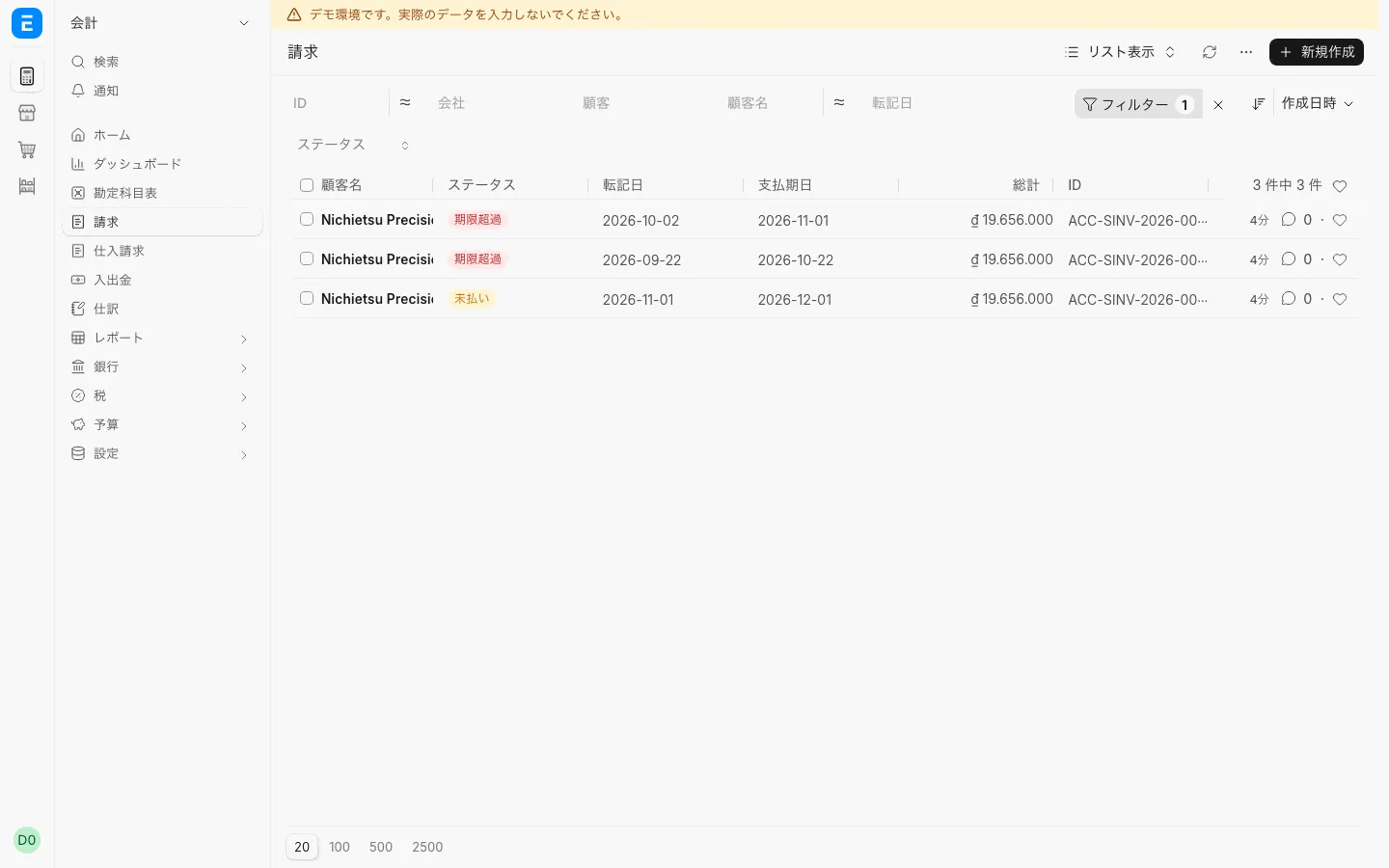
Accounting and receivablesSales invoice list (overdue, unpaid)Invoices past their due date are shown as overdue.
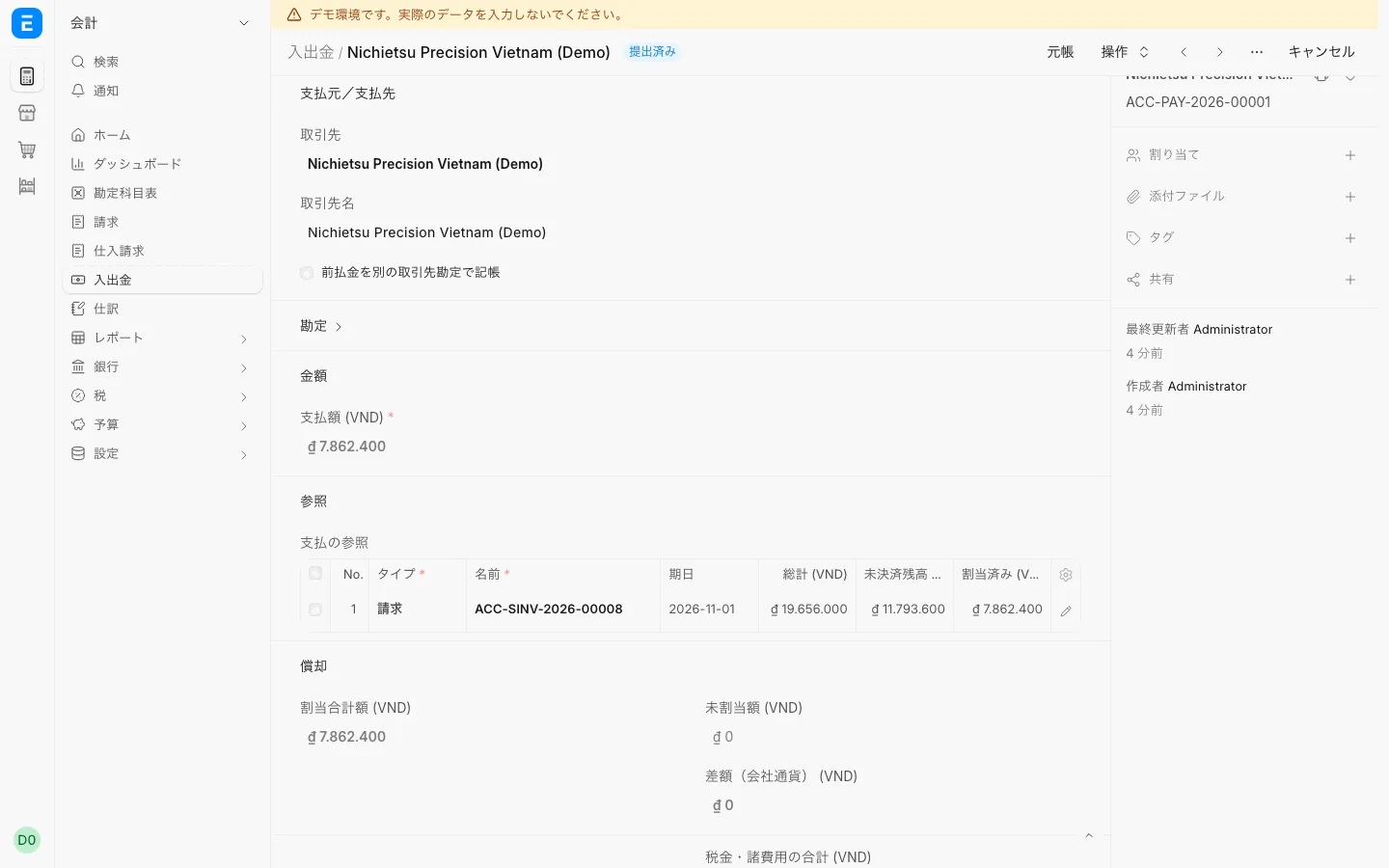
Accounting and receivablesPartial payment of an invoiceSee the amount received and the outstanding balance of an invoice.
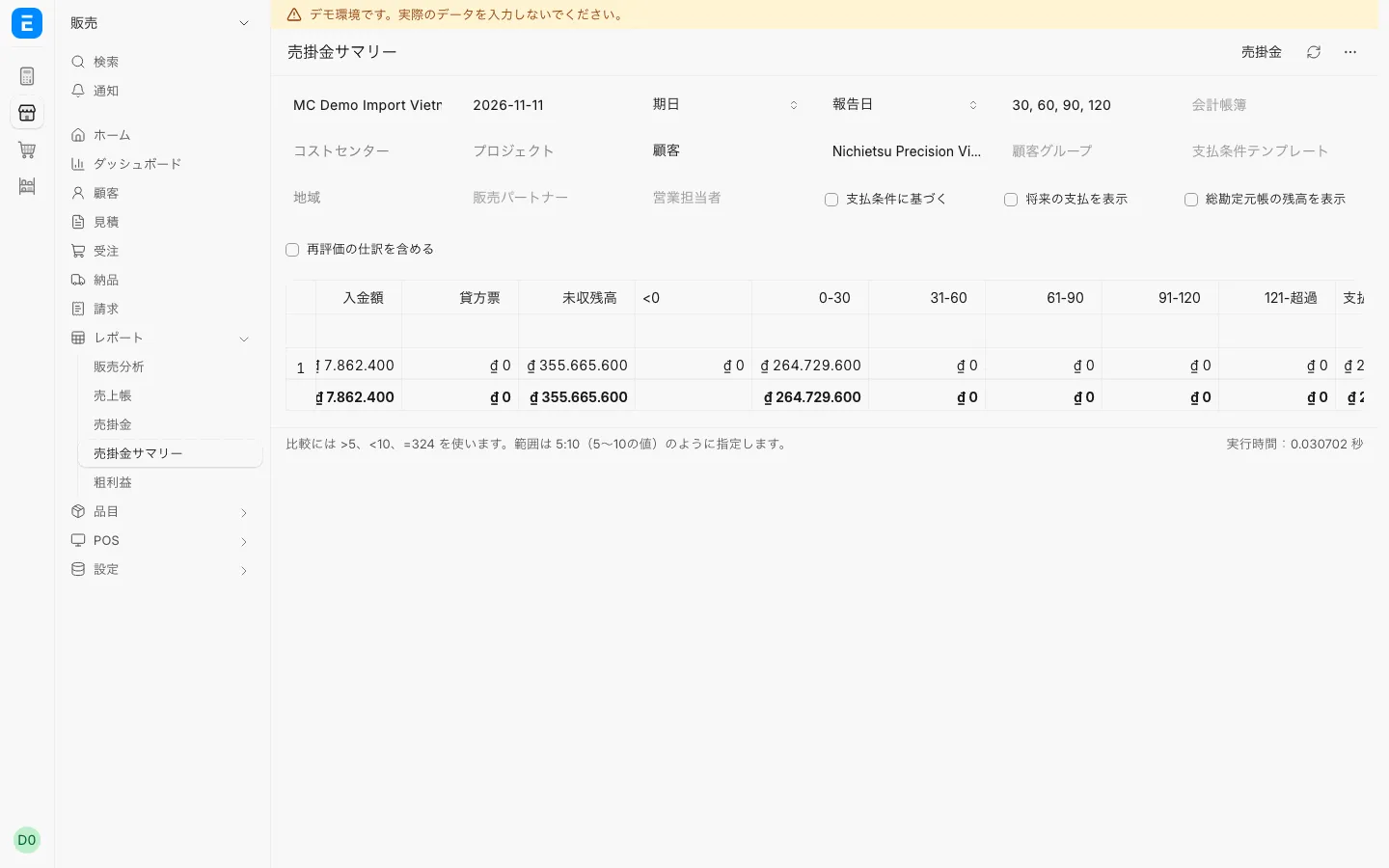
Accounting and receivablesAccounts receivable summaryPick a customer and see receivables split by age.
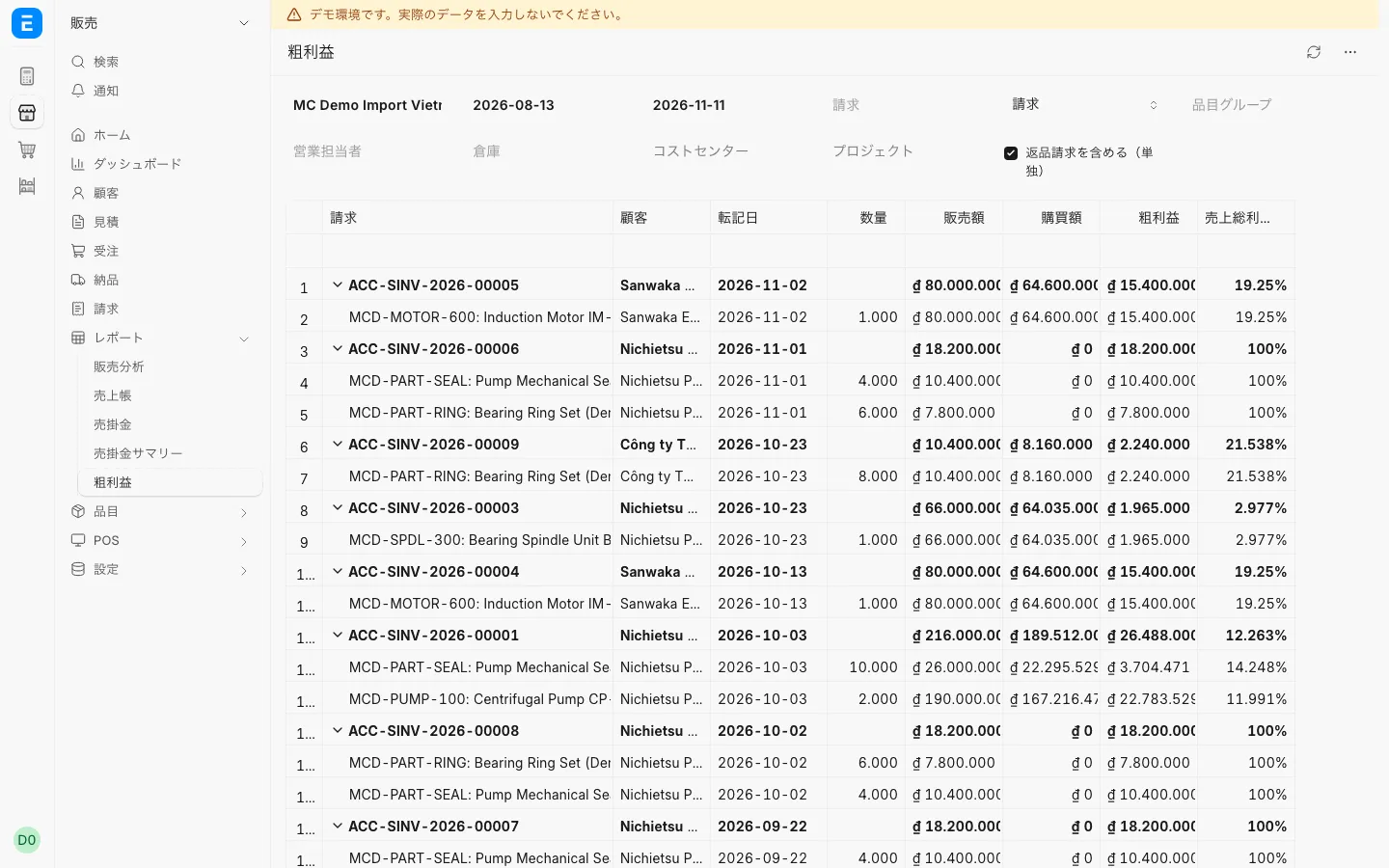
Accounting and receivablesGross profit reportSee gross profit and gross margin per invoice.
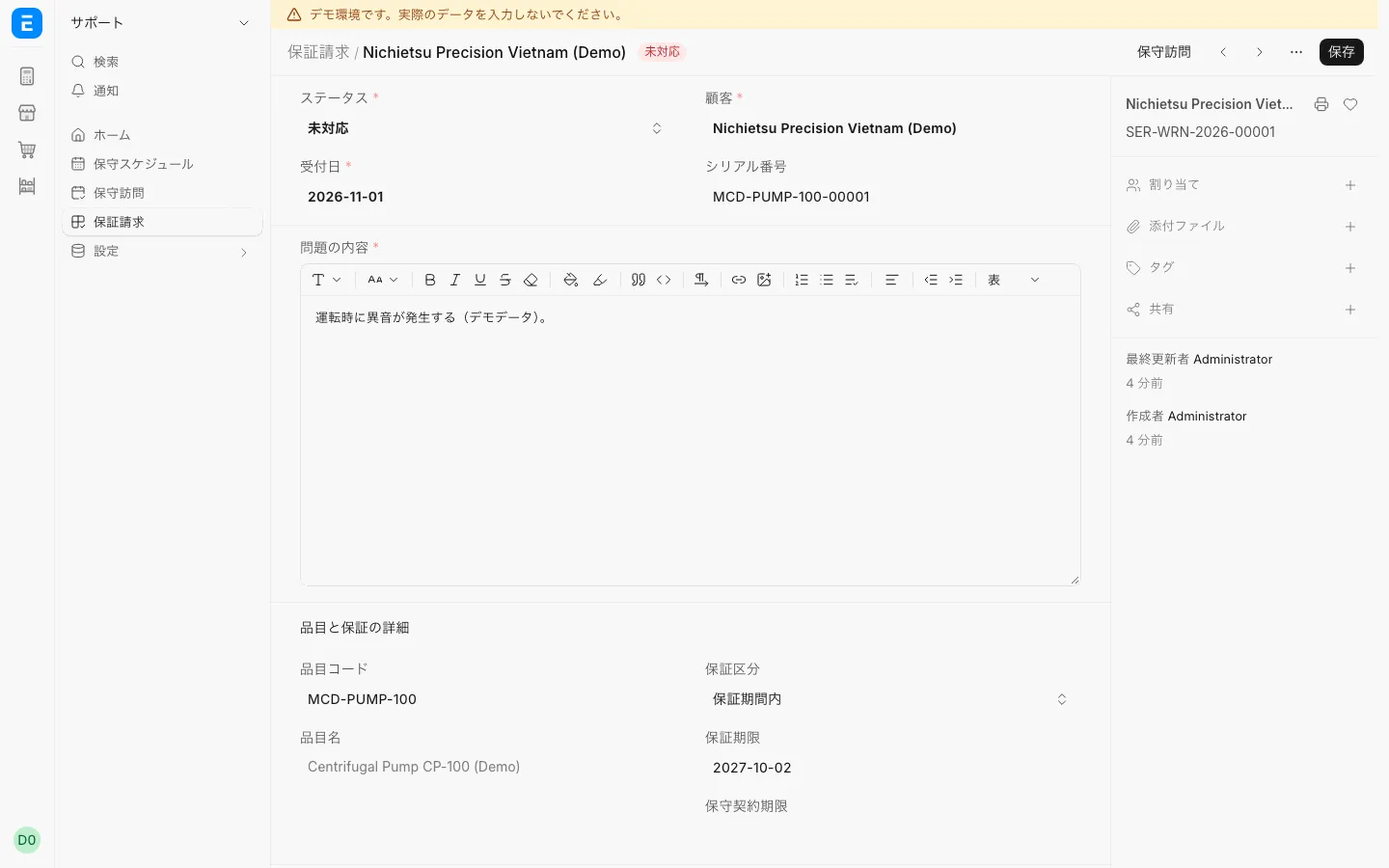
Warranty and returnsWarranty claimCheck the warranty status from the serial number and accept a warranty claim.
Warranty and returnsSerial number out of warrantyA serial number past its warranty date shows as out of warranty.
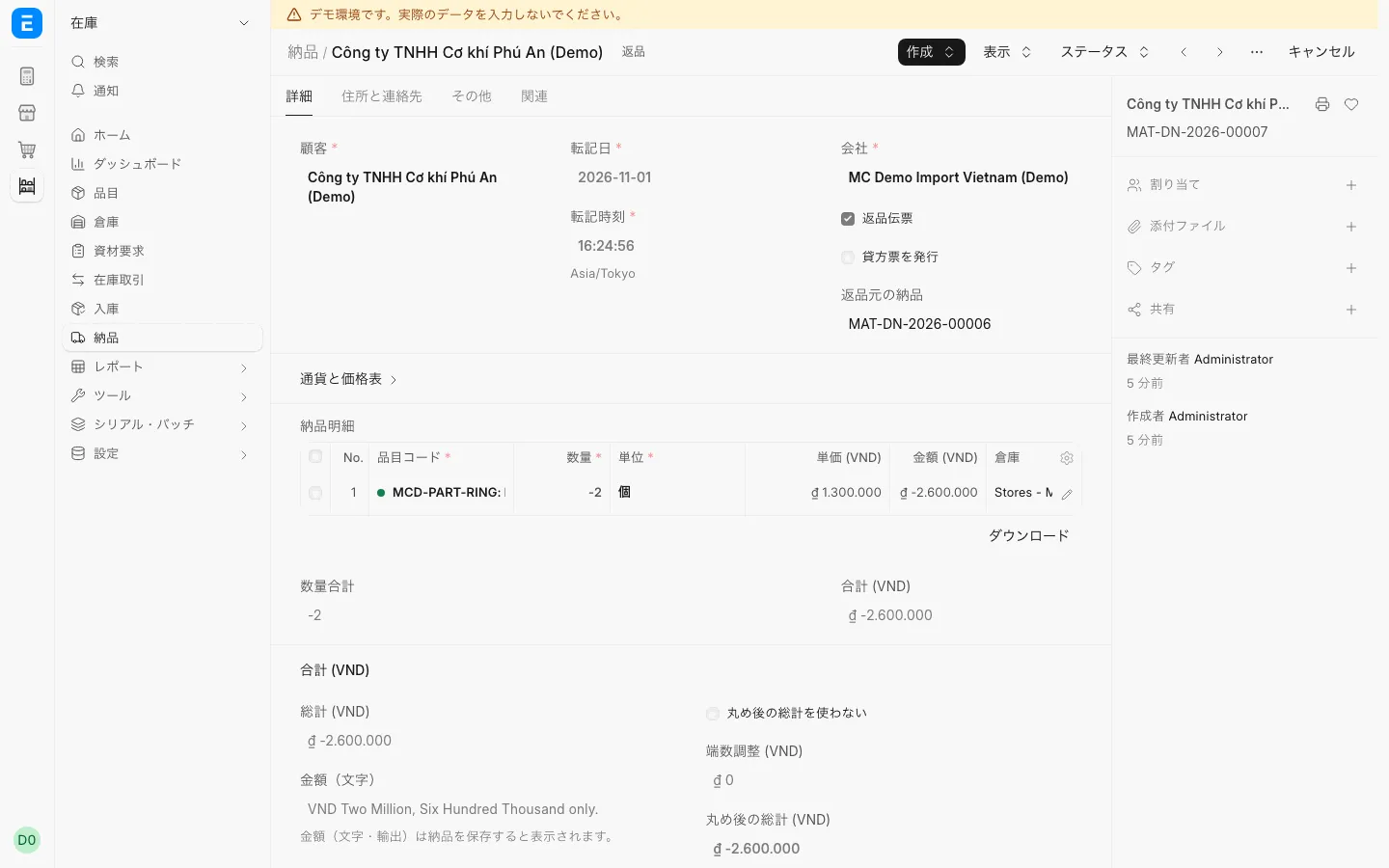
Warranty and returnsReturn delivery noteRecord a return linked to the original delivery note.
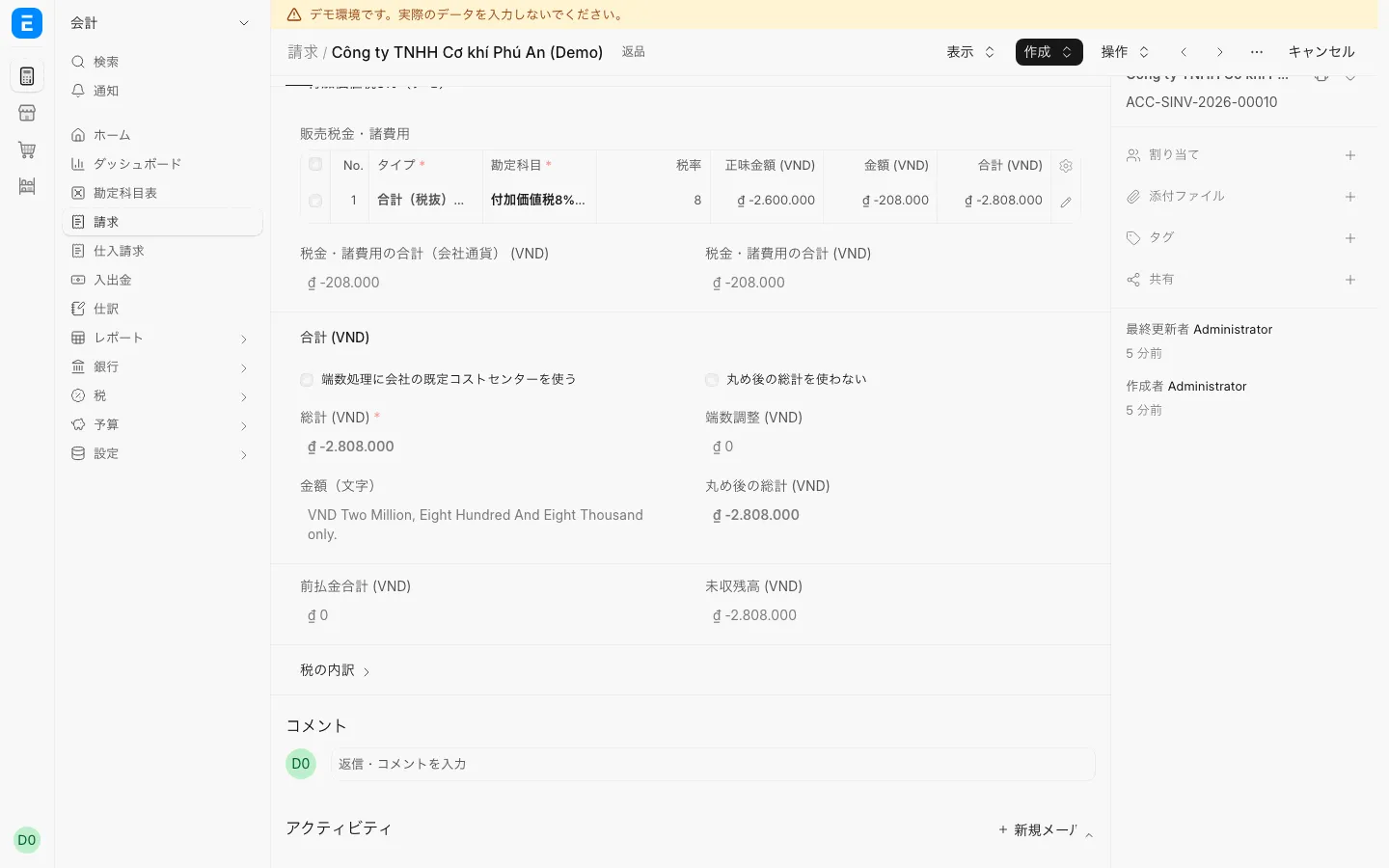
Warranty and returnsCredit note for a returnReturned goods are recorded as an invoice with a negative amount (credit note).
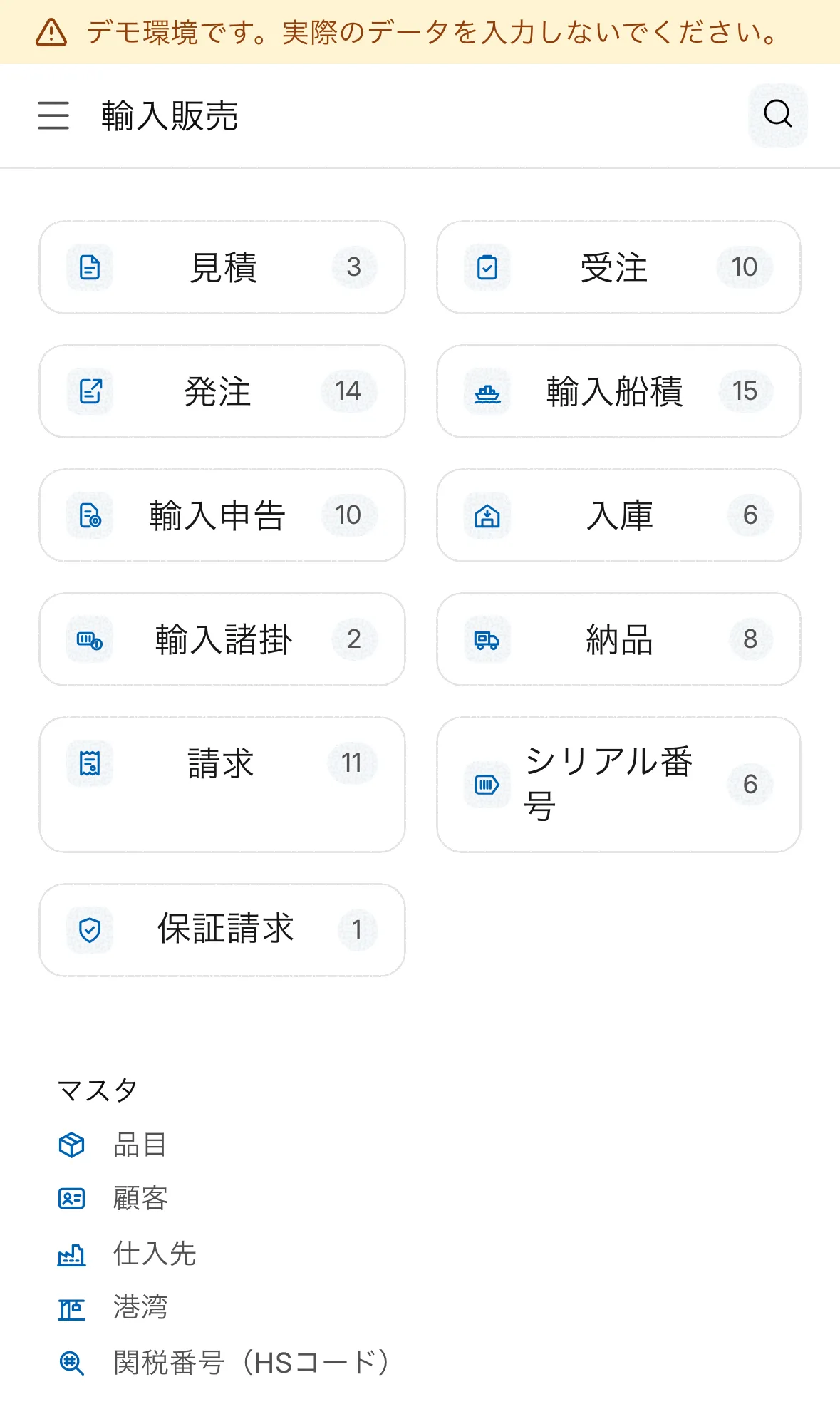
MobileWorkspace on a phoneOn a phone browser, start work from the same shortcuts.
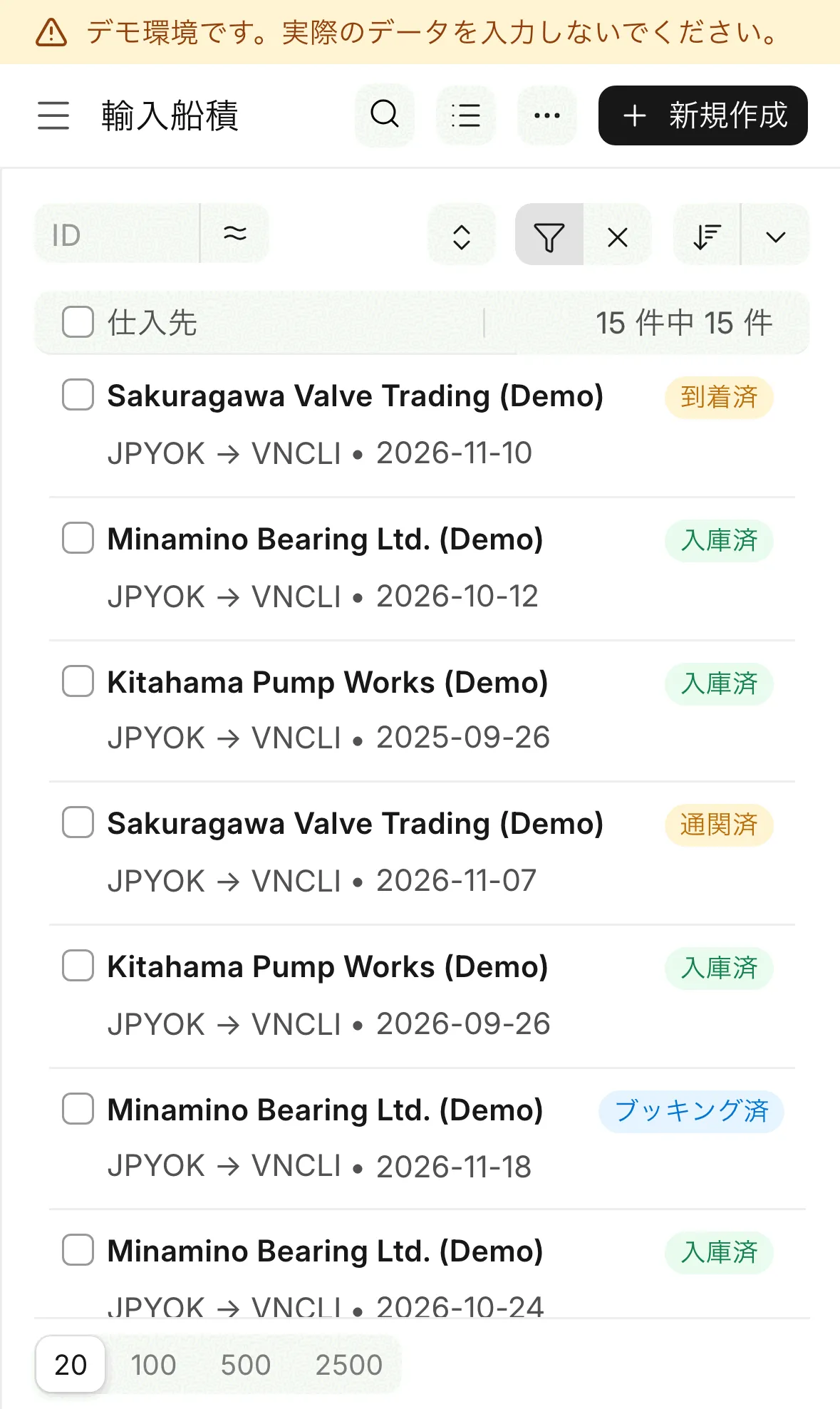
MobileList on a phoneFilter the list at the top and tap a row to open it.
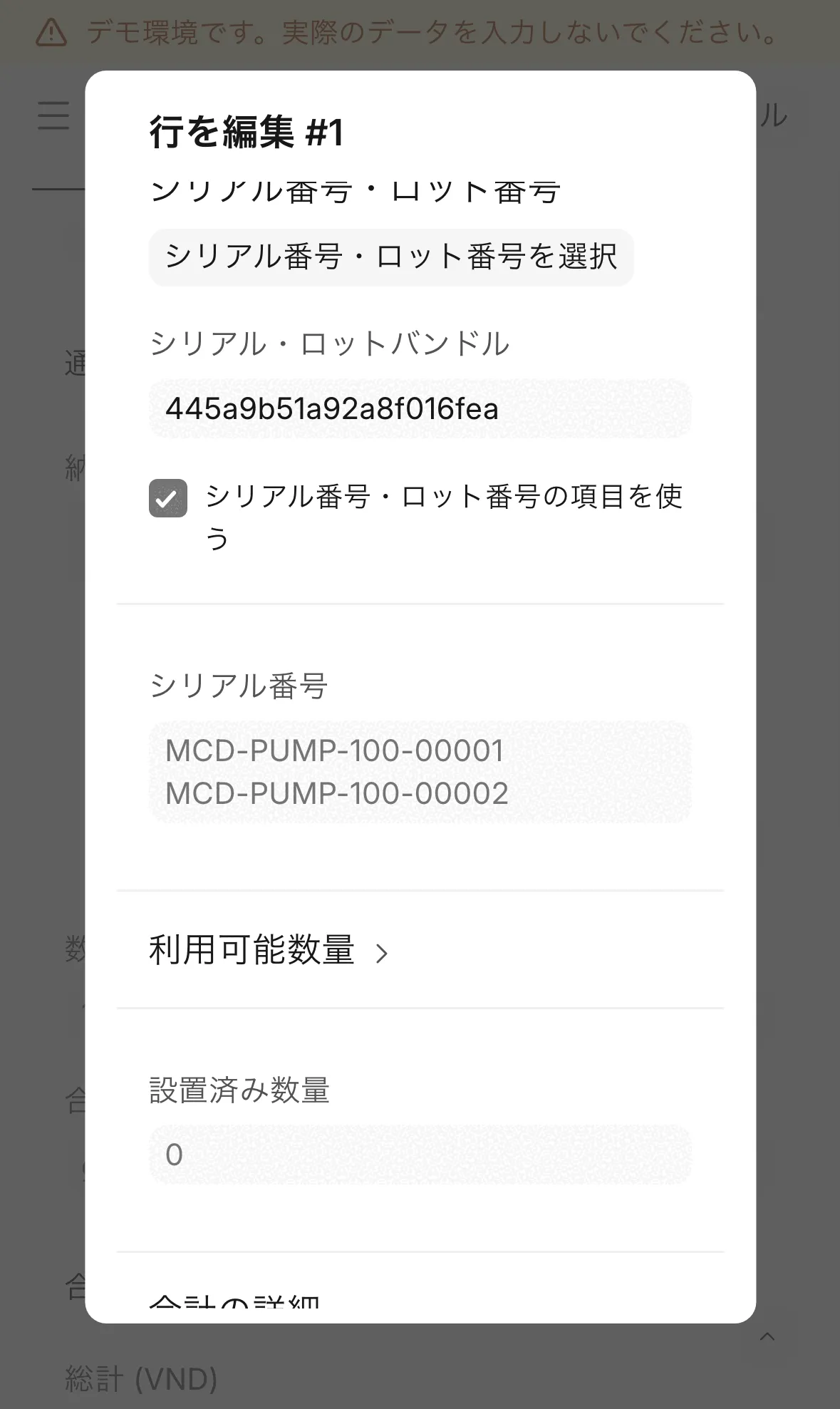
MobileSerial number entry on a phoneOn a phone, edit a line to enter serial numbers.
Works on your phone
Use the same screens in a phone browser.
Step-by-step screens for common situations are on the Business scenarios page.
See the business scenarios